
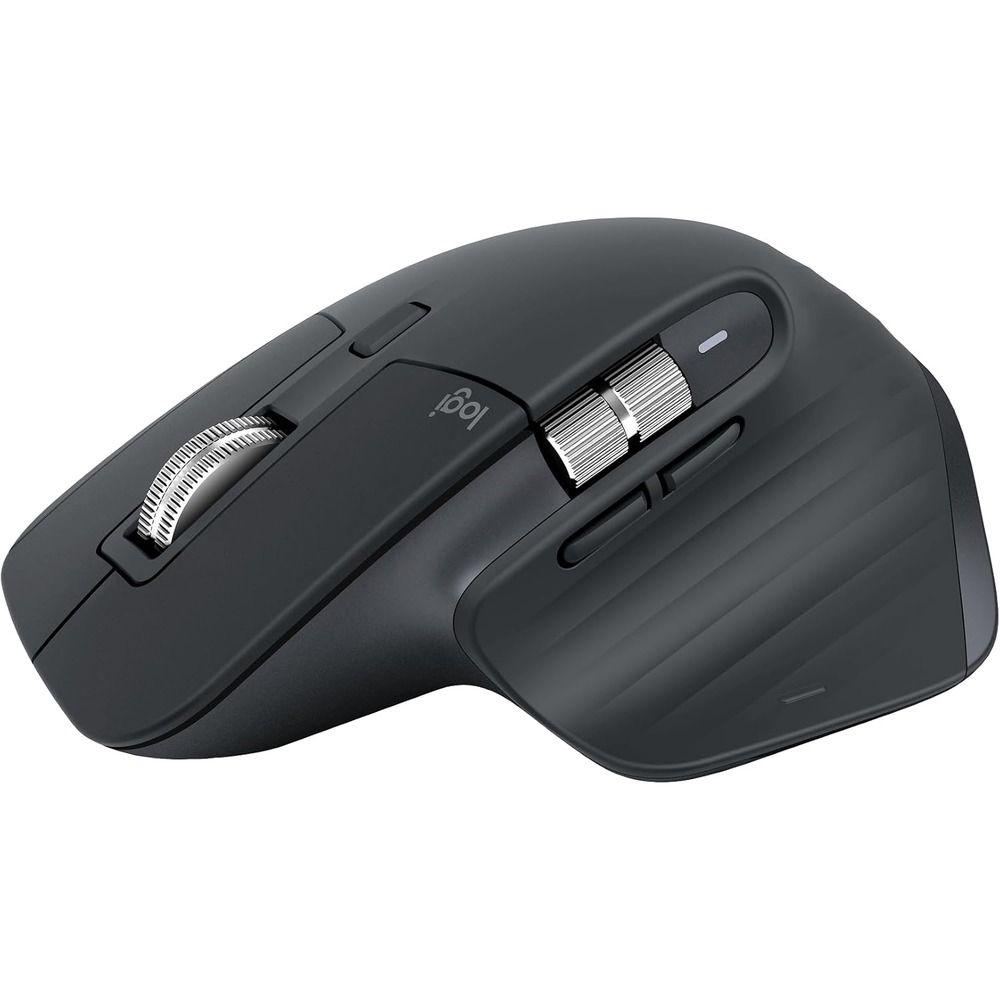
This is a research-based pick, not a hands-on one. We haven't personally tested this unit, so treat the specifics below as reported by the manufacturer and reviewers rather than firsthand testing.
Why this made the list
The MX Master line has been the default "serious mouse" recommendation for years, and the 3S update didn't reinvent it, it fixed the one real complaint: click noise. The buttons are now 90% quieter than the standard MX Master 3, which matters more than it sounds like it should if you've ever clicked a mouse next to someone on a video call.
What it actually does
An 8,000 DPI sensor that tracks on glass, a MagSpeed scroll wheel that free-spins for fast scrolling or clicks into steps for precision, and Logitech's Flow software that lets you move the cursor across up to three connected computers and copy-paste between them. It pairs over Bluetooth or a USB receiver, and the battery is rated around 70 days on a full charge.
Who this is actually for
Anyone doing real desk work for hours at a time, spreadsheets, design software, multi-monitor setups, who's tired of a mouse hand cramping up by 3pm. The multi-device switching also makes it a good fit for anyone bouncing between a work laptop and a personal machine on the same desk.
What to weigh before buying
- It's not a gaming mouse. The weight and shape are built for productivity, not fast-twitch response.
- At $80 it's priced like a flagship, there are cheaper wireless mice that cover the basics fine if quiet clicks and multi-device Flow aren't priorities.
- The thumb-side gesture button takes some muscle memory before it becomes useful rather than something you bump by accident.
The verdict
The mouse most people upgrade to once they realize how much a bad mouse has been quietly working against them all day.