
USB-C is a connector shape. That is all it guarantees. A $6 cable and a $70 cable can use the identical plug and do completely different jobs, and the packaging rarely makes the difference obvious. This is the actual breakdown: what each tier does, how to tell them apart, and which of our own picks fall into each one.
Tier 1: Power only
The cheapest USB-C cables carry charging power and nothing else. Plug one into a laptop and a monitor and nothing will show up on screen, because there is no video signal running through the wire, only electricity. Most of these exist by accident, a cheap accessory bundled with something else, built down to a price with no data lines because that was the easiest corner to cut.
There is one good reason to buy a power-only cable on purpose: public charging security. A cable with no data lines cannot be used for juice jacking, the practice of pulling data or pushing malware through a public USB port.
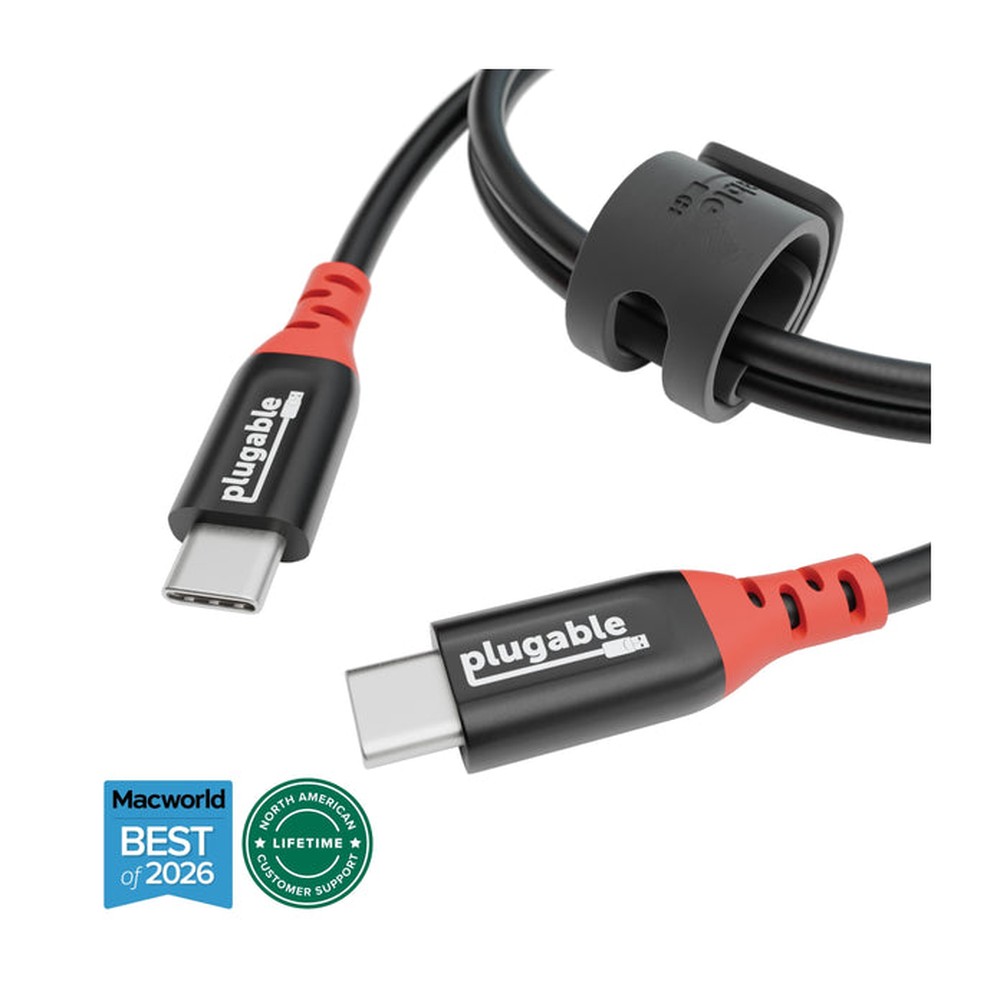
Plugable USB-C Data Blocker Cable, 240W
A charge-only USB-C cable that physically omits the data lines, so a public charging port has electricity to give and nothing else to take.
This is a narrow use case by design. It will not sync a file or take a firmware update, ever, on any device. Keep it in the bag specifically for airports, hotels, and conference centers, and keep a normal data-and-power cable for everyday use.
Tier 2: Power plus basic data
This is where most everyday charging cables actually live, including the three we carry. They are rated for high wattage, up to the full 240W USB-PD spec, which means they will fast-charge even a demanding laptop. What they are not rated for is high-speed data. Basic USB-C data on a cable like this moves at USB 2.0 speeds, plenty for charging, for connecting a keyboard, or for slow file transfers, but not for anything that needs real bandwidth.
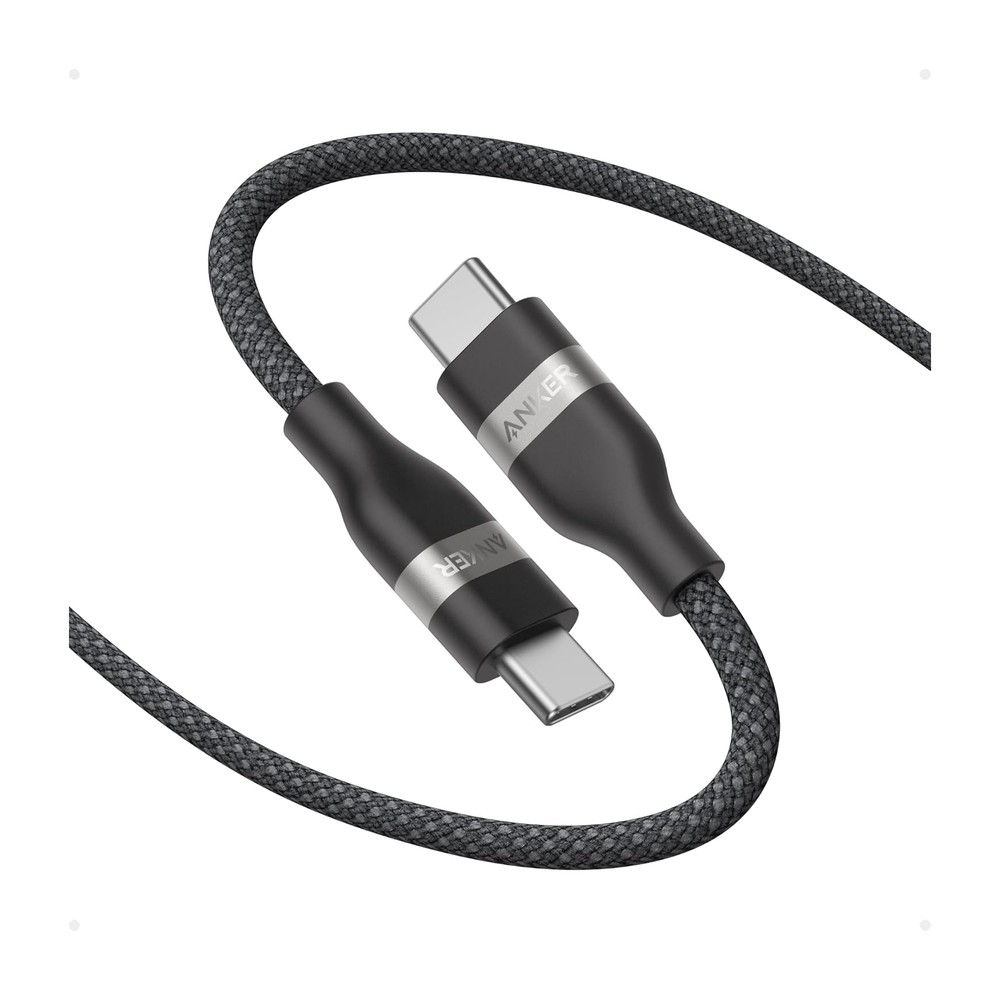
Anker Nano USB-C Cable, 240W, 3FT
A compact braided USB-C cable rated for the full 240W USB-PD spec, built to charge a power-hungry laptop as fast as the charger allows.
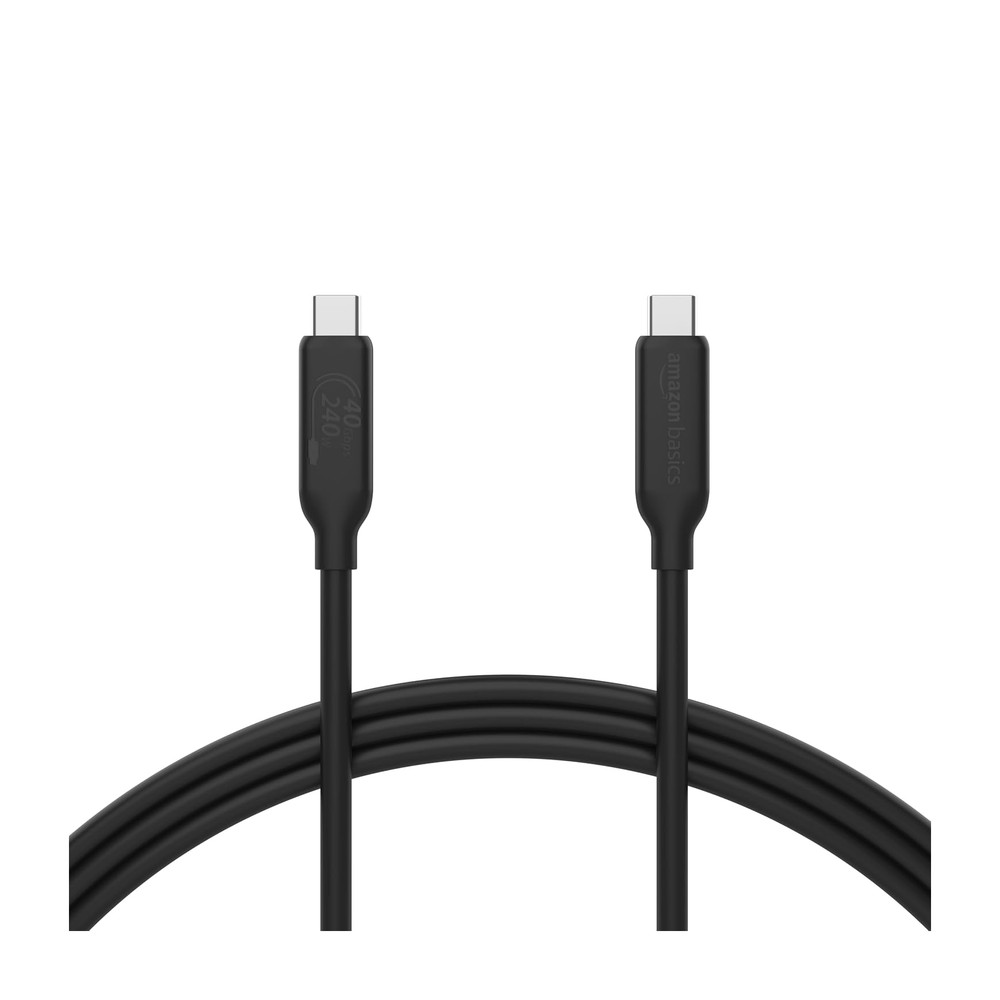
Amazon Basics USB-C Cable, 240W
A no-frills 240W-rated USB-C cable at a lower price, without the braided jacket or compact connector housing.
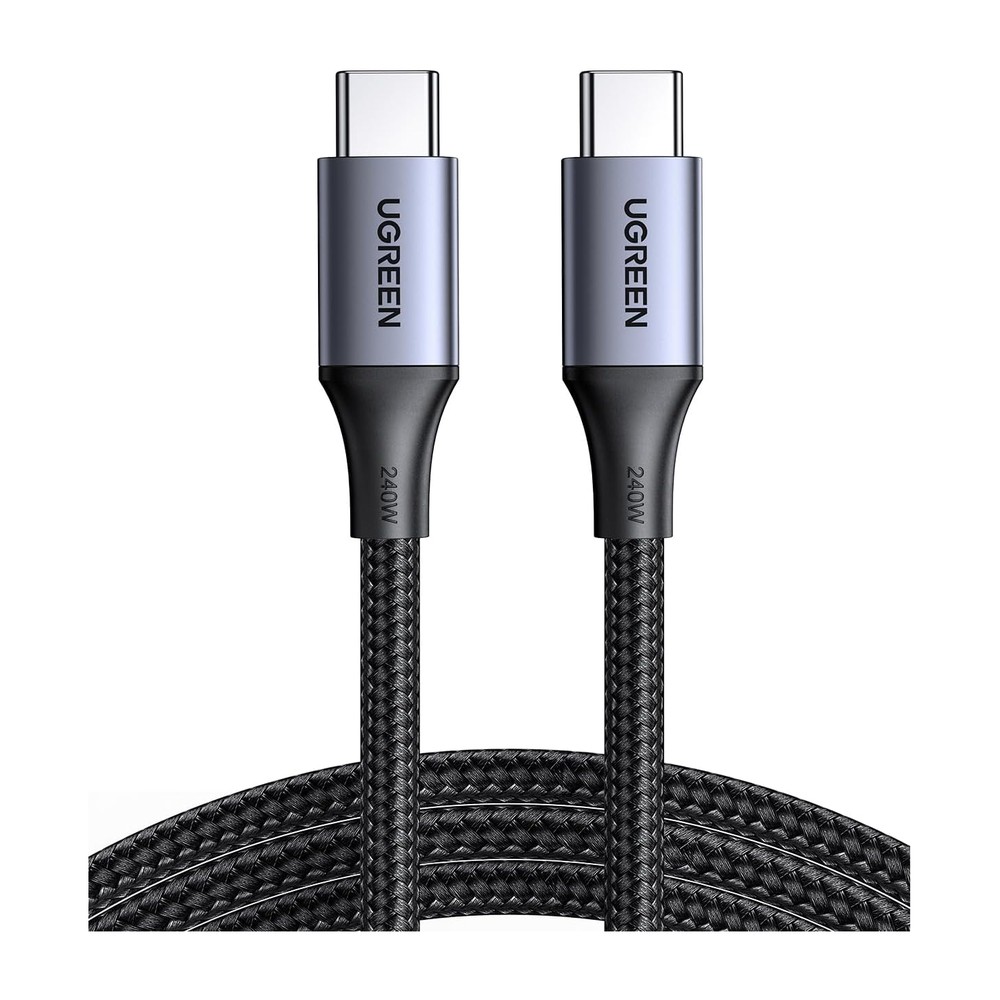
UGREEN USB-C Cable, 240W
A braided USB-C cable rated for the full 240W USB-PD spec.
Be honest about what these are for. None of the three claim USB4 or Thunderbolt data speeds, and none of them will drive an external monitor on their own. If a listing only advertises a wattage number and says nothing about data speed or DisplayPort support, assume it is this tier.
Tier 3: USB4 and Thunderbolt
This is the tier where the cable itself becomes capable of real work: 40Gbps data transfer, enough for an external SSD or a professional video workflow, plus enough bandwidth to carry a high-resolution video signal at the same time as data and power, all through one wire. USB4 and Thunderbolt 4 share enough of the same spec that a Thunderbolt 4 cable will do everything a USB4 cable does and then some.
This is also the tier where the accessory matters more than the cable. Our pick here is a dock, not a bare cable, because that is how most people actually use this bandwidth.
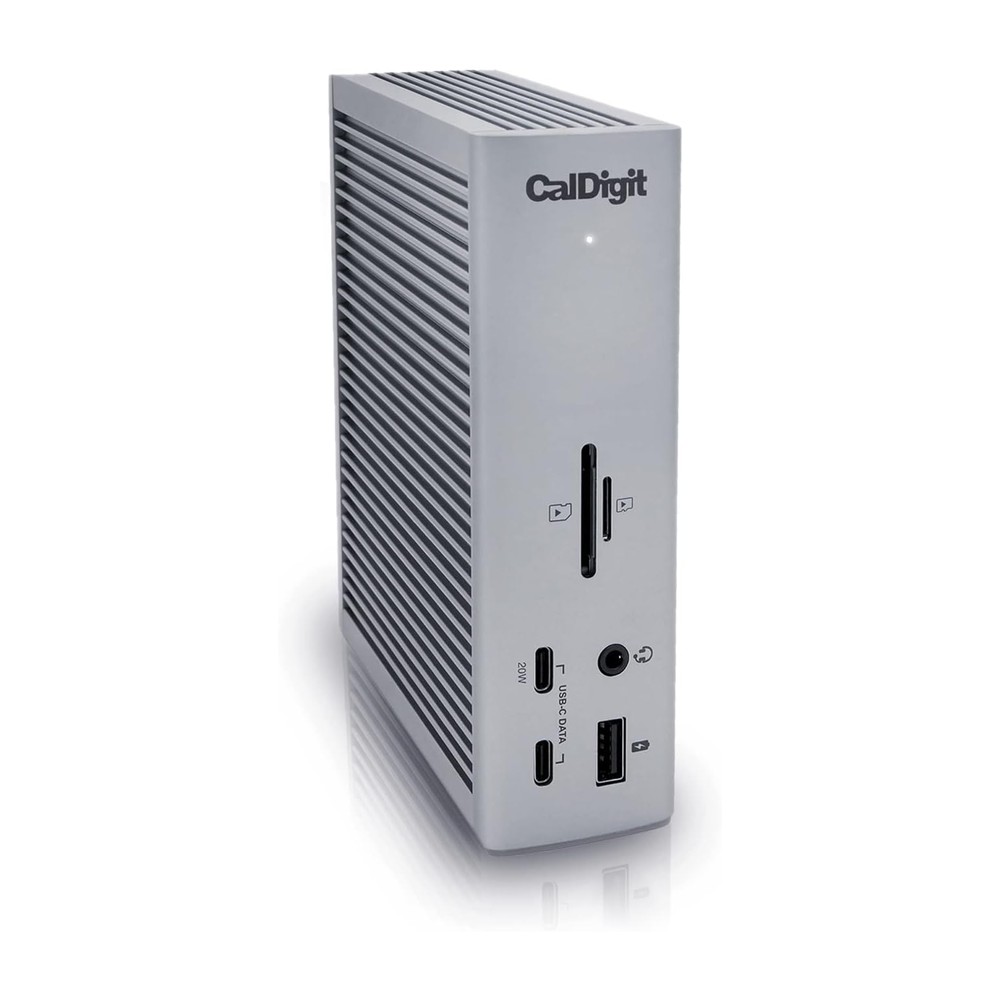
CalDigit TS4 Thunderbolt 4 Dock
The professional-grade version of the same job: 18 ports, Thunderbolt 4 bandwidth, and 98W of laptop charging built into the dock itself.
Eighteen ports and 98W of laptop charging built into one Thunderbolt 4 dock. This is the tier for someone running multiple high-resolution monitors, fast external storage, and charging, all from a single cable to the laptop.
The part that confuses people: how USB-C carries video
USB-C ports on most modern laptops, including every current Mac, support something called DisplayPort Alt Mode. It lets the same physical port and cable carry a display signal instead of, or alongside, data and power. This is how a laptop drives an external monitor over the same USB-C port used for charging, no separate HDMI or DisplayPort output required.
Apple leans on this heavily. A MacBook's USB-C ports are also its video outputs, so any accessory that needs to add HDMI or a second monitor has to translate that DisplayPort Alt Mode signal into something a standard monitor understands. That is exactly what a USB-C hub or dock with an HDMI port is doing.
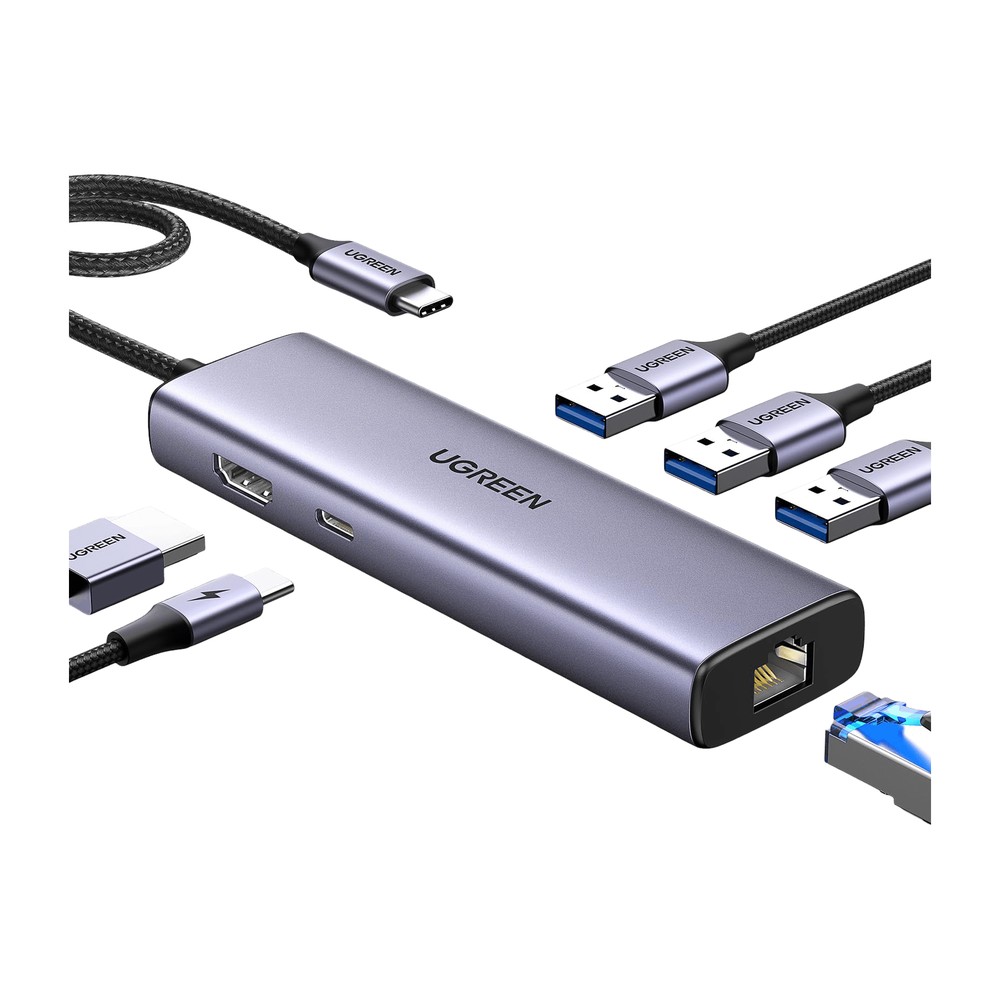
UGREEN Revodok 6-in-1 USB-C Hub
Ethernet, 4K HDMI, and 100W passthrough charging in one dongle. The power hub for a one-cable desk.
A single dongle taking in that DisplayPort Alt Mode signal and putting out 4K HDMI, plus Ethernet and 100W passthrough charging so the laptop keeps charging while it's plugged into everything else.
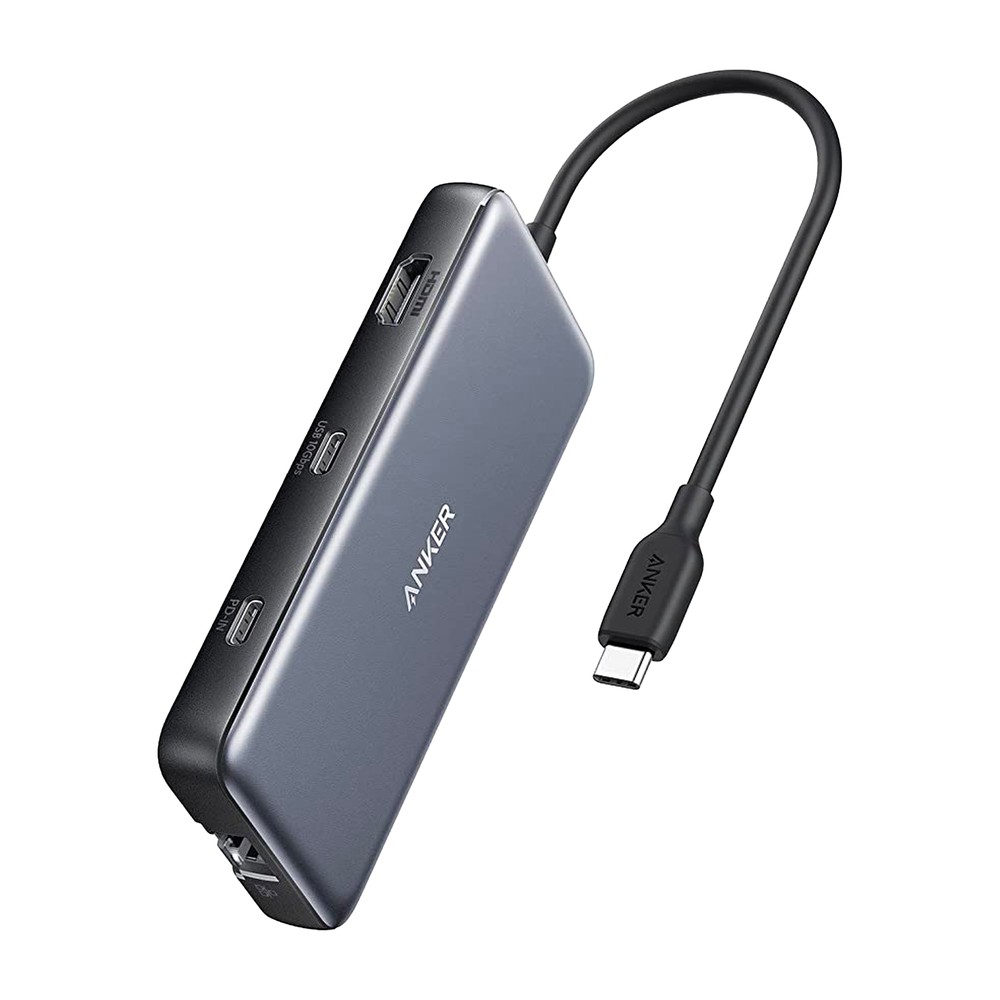
Anker 8-in-1 USB-C Docking Station
Dual 4K HDMI, Ethernet, and card readers for people running two monitors off one laptop.
The same idea scaled up to dual 4K HDMI outputs, for anyone running two external monitors off a single laptop port.
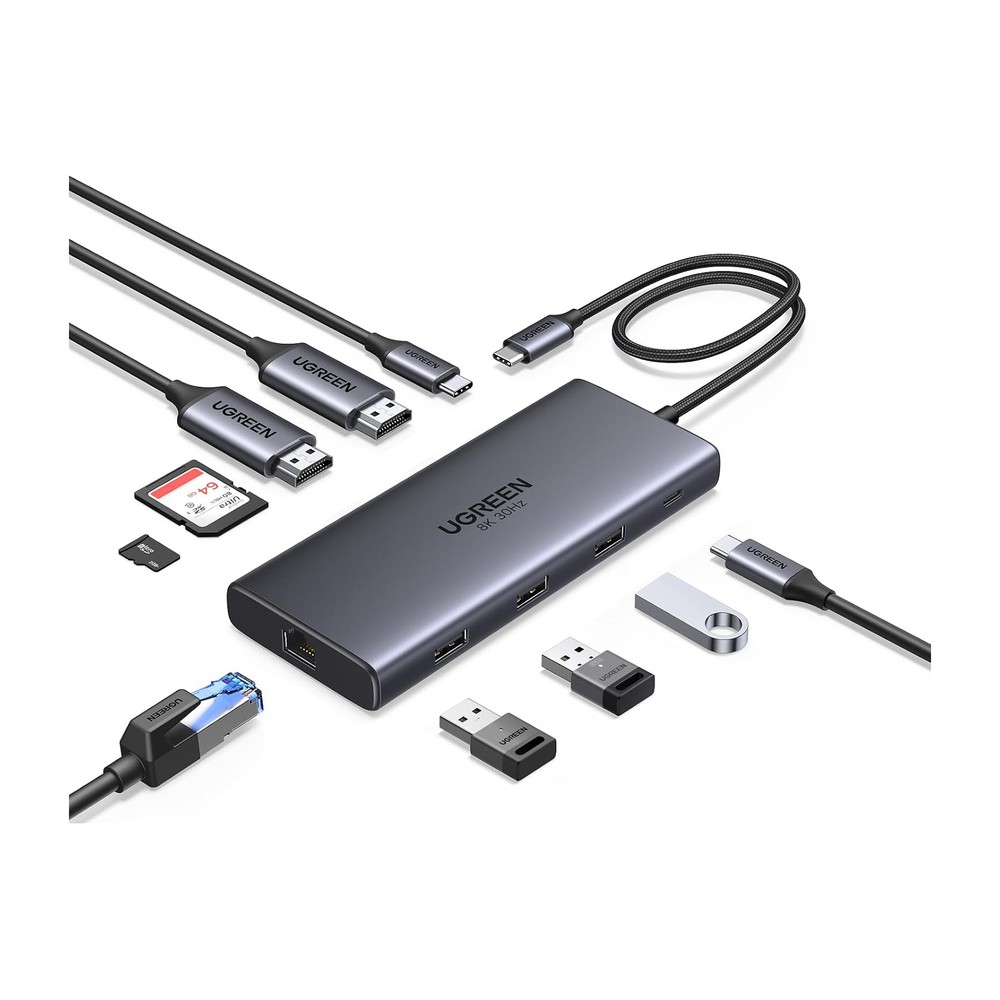
UGREEN Revodok Pro 10-in-1
A 10-in-1 USB-C dock with dual HDMI outputs, built to drive two external monitors plus data, card reader, and power passthrough from one cable.
Also dual-HDMI, with more ports around it for data, cards, and power passthrough from the same single cable.
Portable monitors take a shortcut
Portable monitors skip the HDMI conversion step entirely. They plug directly into a laptop's USB-C port and receive both power and video signal over that one cable, using the same DisplayPort Alt Mode most docks are translating on the laptop's behalf. No separate power brick, no HDMI cable, one wire does both jobs.
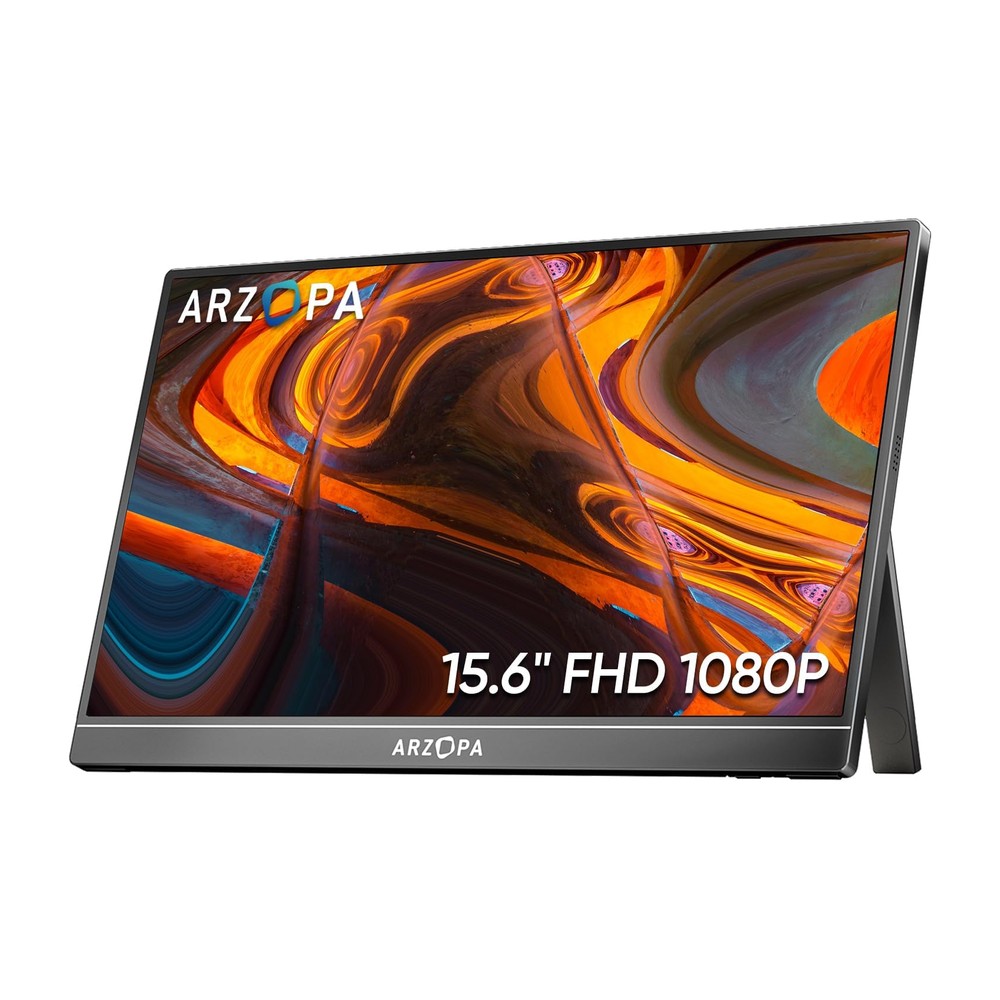
ARZOPA A1S 14" Portable Monitor
A slim single-panel portable monitor that powers over USB-C, built to add real second-screen room without the weight of a dual or triple-panel setup.
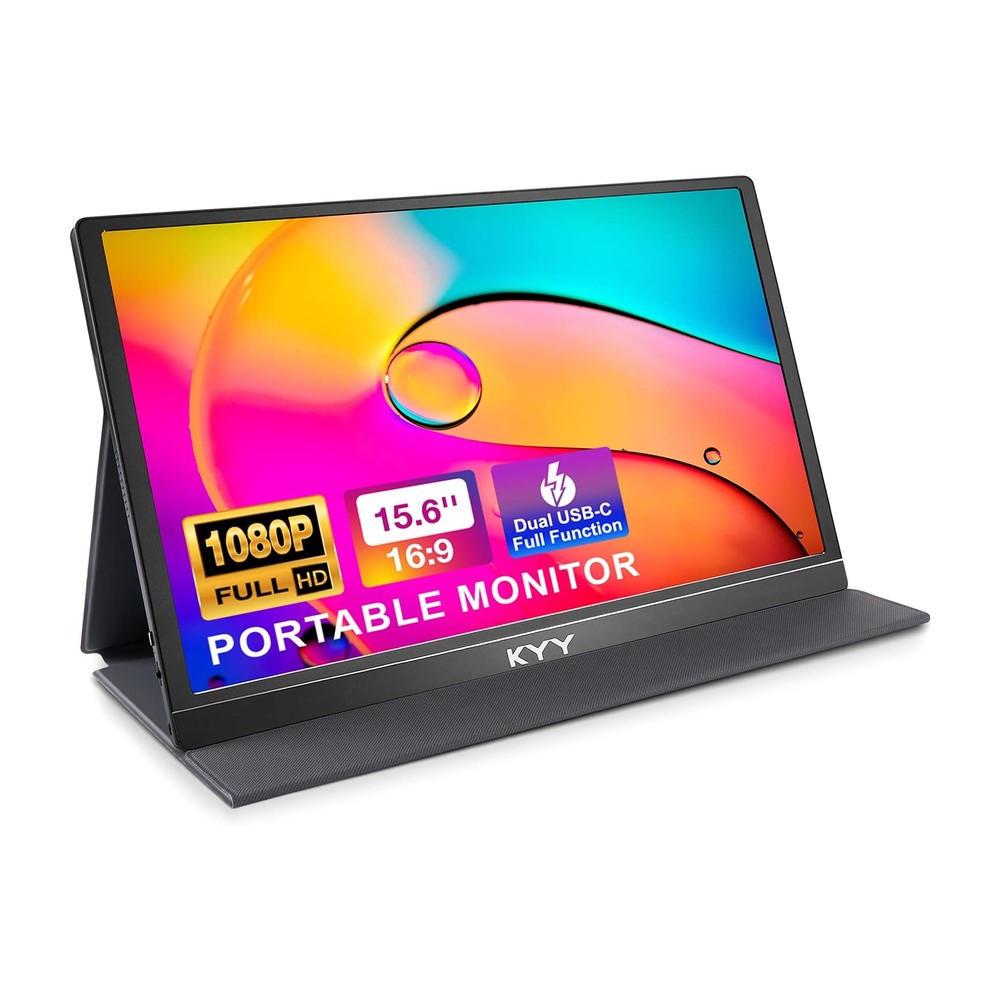
KYY K3 15" Portable Monitor
A single-panel portable monitor with a larger 15-inch screen for more real estate on the go.
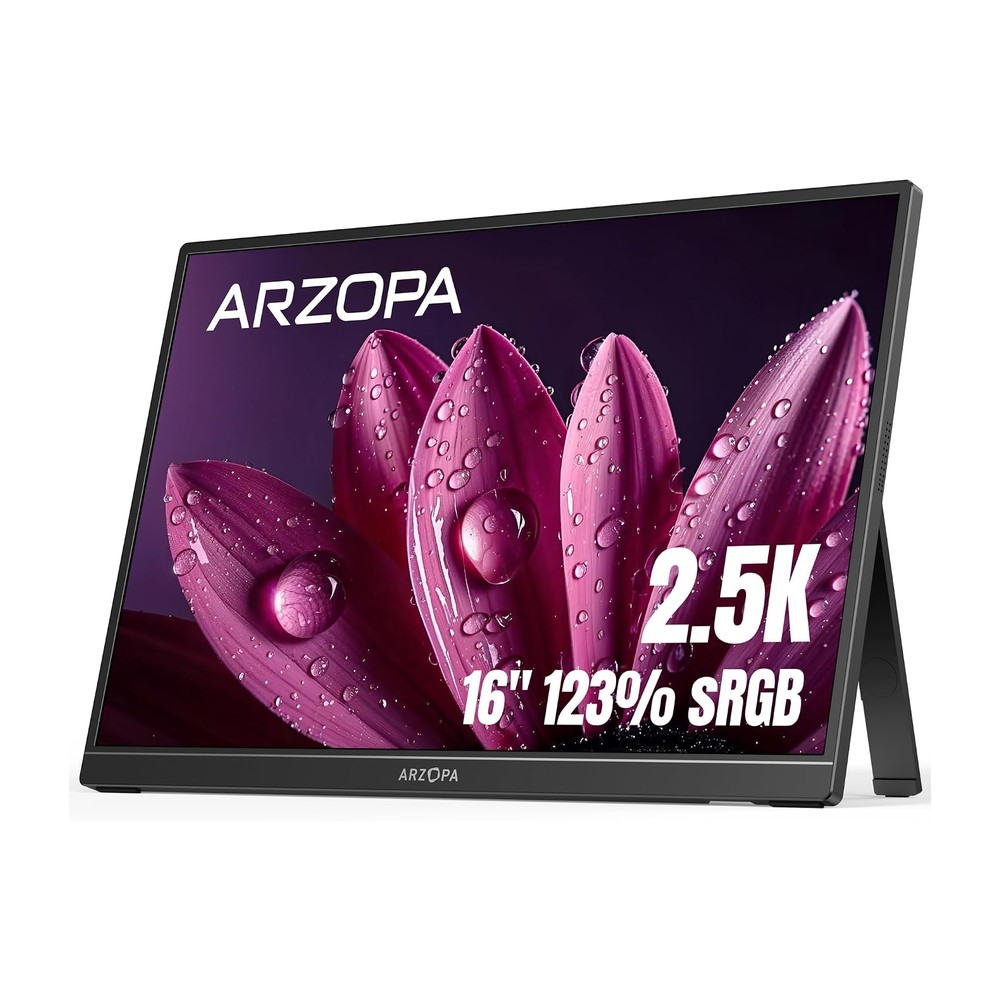
ARZOPA Z1RC 16" 2.5K Portable Monitor
The same maker's premium version, a bigger panel at a sharper 2.5K resolution, for anyone who wants more screen real estate and doesn't mind the added size and weight.
The tradeoff scales predictably: bigger screen and sharper resolution costs more and adds weight, same as everything else in this category. The 14-inch panel is the one to grab if the priority is barely noticing it's in the bag. The 2.5K panel is the one to grab if the priority is the screen itself.
How to actually check before you buy
Read past the wattage number. A cable or hub listing should say, somewhere, either a data speed (480Mbps, 5Gbps, 10Gbps, or 40Gbps) or explicitly mention DisplayPort, video, or Thunderbolt support. If a listing only advertises charging wattage and says nothing else, treat it as Tier 2 and plan accordingly. That single check avoids the most common mistake: buying a cable expecting it to drive a monitor, plugging it in, and getting nothing but a charging light.