
"I need a good laptop" is not actually one question. A laptop built for gaming, one built for video editing, one built to survive years of travel while running smoothly all day, and one built for email and browsing are four different machines, even when they look similar on a spec sheet. Here's how those tiers actually break down, with a real pick for each one.
Gaming tier
This tier is defined by one thing above all else: a discrete graphics card, plus the cooling system big enough to let it run at full power for hours without throttling. That cooling system is also what makes a real gaming laptop thicker, heavier, and louder than anything built to be thin.

Razer Blade 18 (2026)
Desktop-class RTX 5090 graphics and a Core Ultra 9 chip in an 18-inch chassis, built for people who need real frame rates, not just a laptop that can technically launch a game.
An RTX 5090 Laptop GPU and a Core Ultra 9 290HX in an 18-inch dual-mode display chassis that switches between a sharp 240Hz mode and a blazing 440Hz mode. This is desktop-class performance in a laptop, and it comes with a desktop-class tradeoff: over 7 pounds, runs hot under sustained load, and a starting price near $4,000. Buy this for the graphics card, not for anything else.
Video editing tier
Serious video editing, especially multicam or 4K timelines, wants the same discrete-GPU-class performance as the gaming tier, plus fast storage and enough RAM to keep large project files from bottlenecking. It's a similar hardware profile to gaming, minus the emphasis on refresh rate.
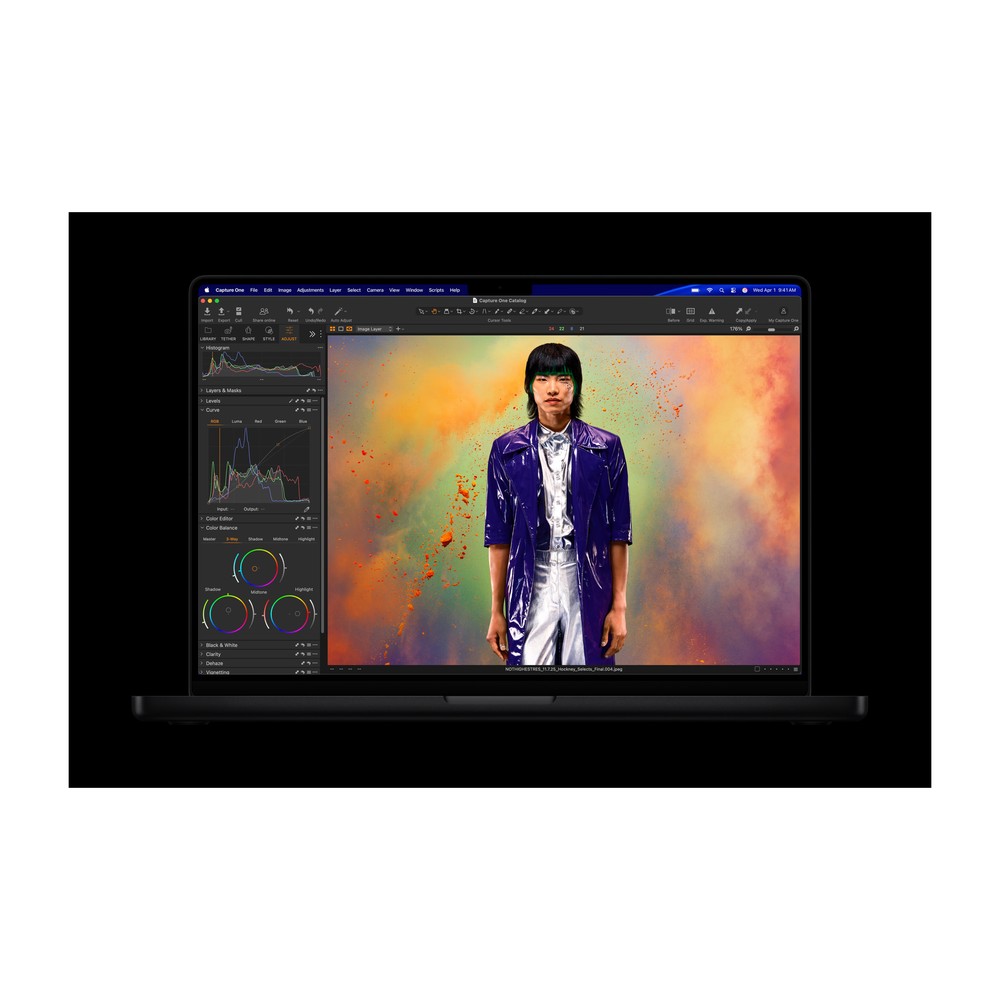
Apple MacBook Pro 14" (M5 Pro)
An 18-core CPU and 20-core GPU with up to 64GB of unified memory, built for people who are actually exporting timelines, not just watching them render.
The M5 Pro's 18 CPU cores and 20-core GPU, configurable up to 64GB of unified memory, are built around exactly this kind of sustained load. The Liquid Retina XDR display is accurate enough to trust for real color decisions, not just a preview. Apple raised the price mid-2026, and it's a real number, but this is the only laptop on this list that treats a full export queue as a non-event.
Work computer: reliability, battery life, and running AI
This tier is a real, specific category, not a consolation prize. The requirements here are different from the first two: all-day battery life, a chassis that survives being packed and unpacked for years, and increasingly, a chip with a neural processing unit built in, the on-device hardware that runs AI features locally instead of routing everything through the cloud.
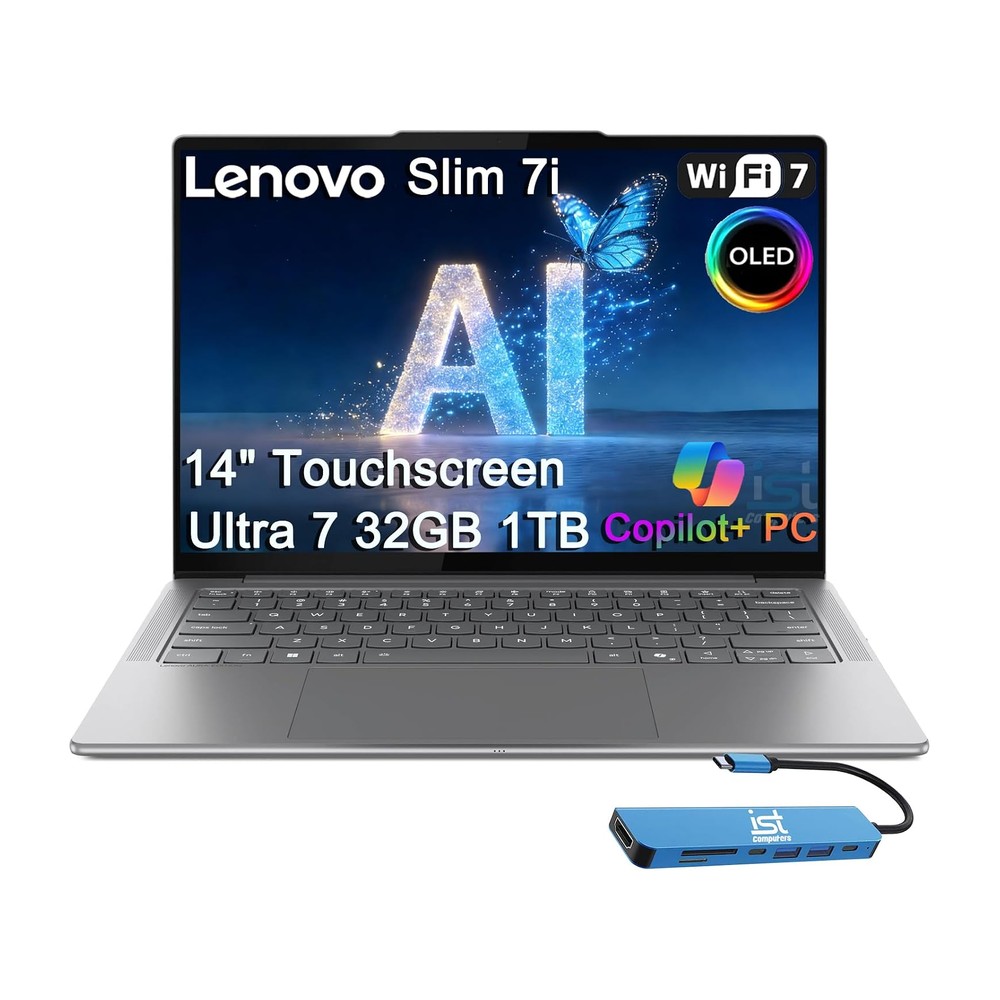
Lenovo Slim 7i 14" OLED (Aura Edition)
A Copilot+ Core Ultra 7 laptop with a 14-inch OLED touchscreen, 32GB RAM, and a 1TB SSD, built as a daily driver, not a spec-sheet flex.
A Copilot+ Core Ultra 7 chip with a built-in NPU, 32GB of RAM, and an OLED screen. This is the strongest all-around fit in the lineup for someone who wants real performance headroom, on-device AI capability, and a genuinely nice display, without stepping up to workstation pricing.

ASUS Zenbook S 14
A Copilot+ Core Ultra laptop in the same weight and price class, built around being the lightest thing in the bag rather than the biggest screen.
Same Copilot+ Core Ultra generation, in the same weight and price class, built around being the lightest thing in the bag. The right pick if travel weight matters more than screen size or expansion.
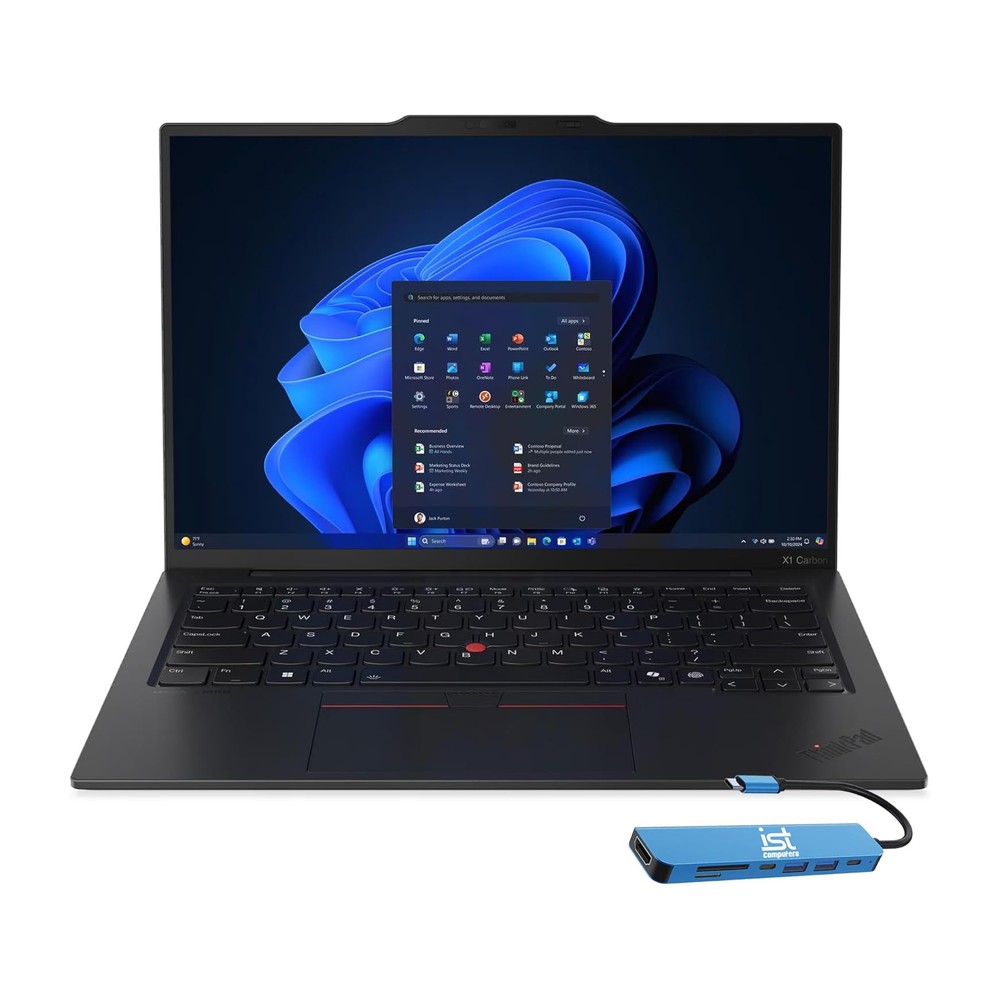
Lenovo ThinkPad X1 Carbon Gen 13
The business-class flagship version of the same idea, carbon-fiber chassis and MIL-SPEC durability testing for people who need a laptop that survives years of travel.
The one built specifically around reliability. Carbon-fiber chassis, MIL-SPEC durability testing, the ThinkPad reputation earned over two decades of business travel. This is the pick when "still works perfectly in three years of being thrown in a bag" matters more than any single spec.

Acer Swift Go 14 OLED
A 14-inch OLED laptop that gets most of the way to premium-thin-and-light territory for about half the price.
The budget entry into this same tier. It gets most of the way to the others' build quality and screen quality for roughly half the price, without matching their top-end performance headroom. The honest tradeoff for anyone who wants this tier's reliability and daily usability without the premium cost.
Home, email, and browsing tier
This tier doesn't need a fast chip, a big battery, or an NPU. It needs a laptop that turns on, loads a browser, and doesn't feel sluggish doing it. We added two picks here specifically, one for each ecosystem, because the honest answer to "which one" depends on whether you're already an Apple or a Windows household.

Apple MacBook Neo
Apple's cheapest laptop ever: an A18 Pro chip and a real Liquid Retina display, built for email, browsing, and light Apple Intelligence use, not multitasking-heavy work.
Apple's cheapest laptop ever, and it doesn't feel cheap to use. The A18 Pro chip and a genuinely nice Liquid Retina display are built for email, browsing, and light Apple Intelligence tasks. The 8GB of memory is fixed at every configuration, and that's the real ceiling here, not the chip. Buy it knowing exactly what it's for, and don't expect it to grow into heavier use later.
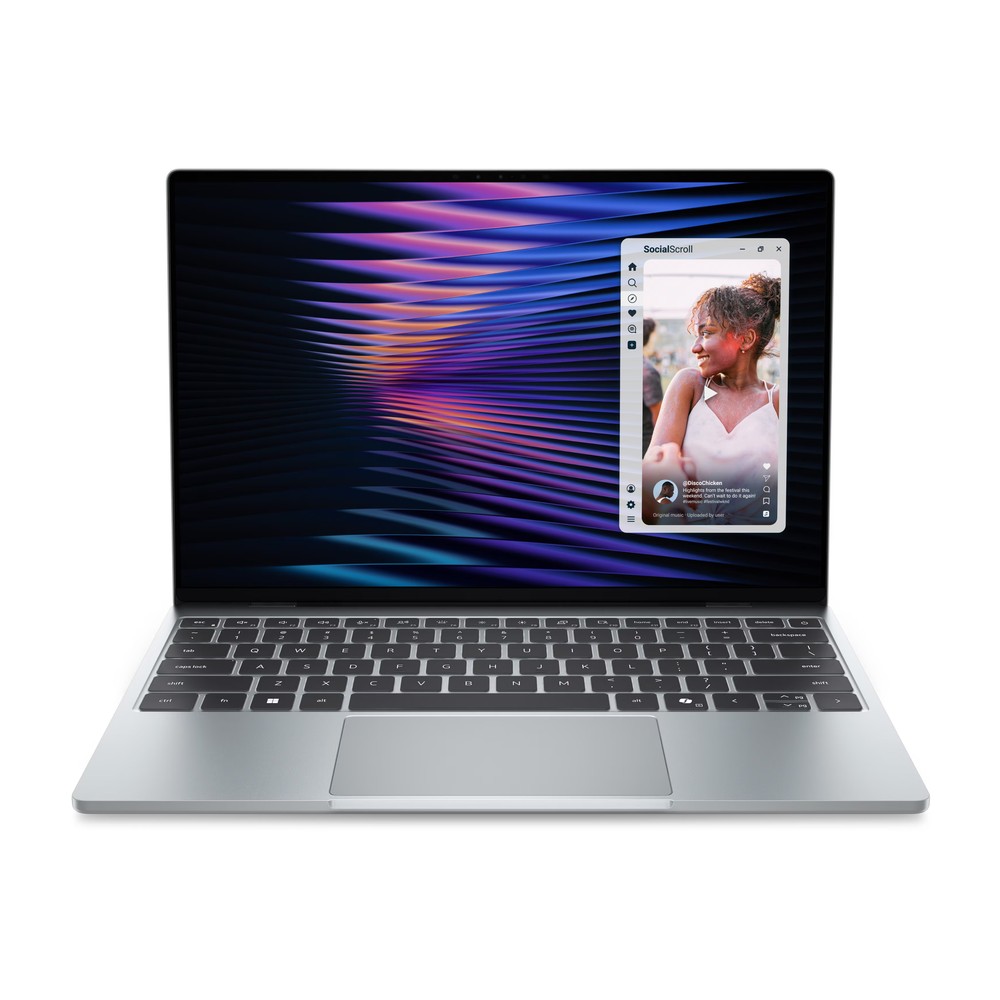
Dell XPS 13 (2026)
The Windows answer to the MacBook Neo: a 2.5K touchscreen and a 2.2-pound build at a similar price, for anyone who wants the portability without moving into the Apple ecosystem.
The Windows answer to the Neo, not a consolation prize: a 2.5K touchscreen and a 2.2-pound build at essentially the same price. Same real ceiling as the Neo, 8GB of RAM in the base configuration, just on Intel's Core 5 320 instead of Apple silicon. If you want this tier's usefulness without moving into macOS, this is the one to get.
Want more on a specific tier?
Now that all four tiers have a real pick behind them, this is a fast-moving part of the catalog. If you'd find it useful, let us know which tier you'd want a deeper, dedicated guide on next, more gaming options, more creator laptops, or a wider spread of budget picks.