
A dorm desk has a specific set of problems. It is smaller than a real desk. The overhead lighting is bad and there is rarely room for a proper lamp. There are two outlets and they are usually behind the bed. And you cannot drill into anything without losing part of your deposit.
That last constraint rules out most desk setup advice on the internet, which assumes you own the furniture. Everything below either clamps, sits, or plugs in. Nothing here requires a drill, adhesive that damages paint, or permission from housing.
Ordered roughly by how much difference each one makes.
1. Get the laptop off the desk surface
Working hunched over a flat laptop for four years is how people end up with neck problems in their twenties. A stand fixes the screen height and gives back the desk space underneath, which matters more in a dorm than anywhere else.
The portable one is the right call here specifically because dorm life involves a lot of moving between the desk, the library, and home over breaks.
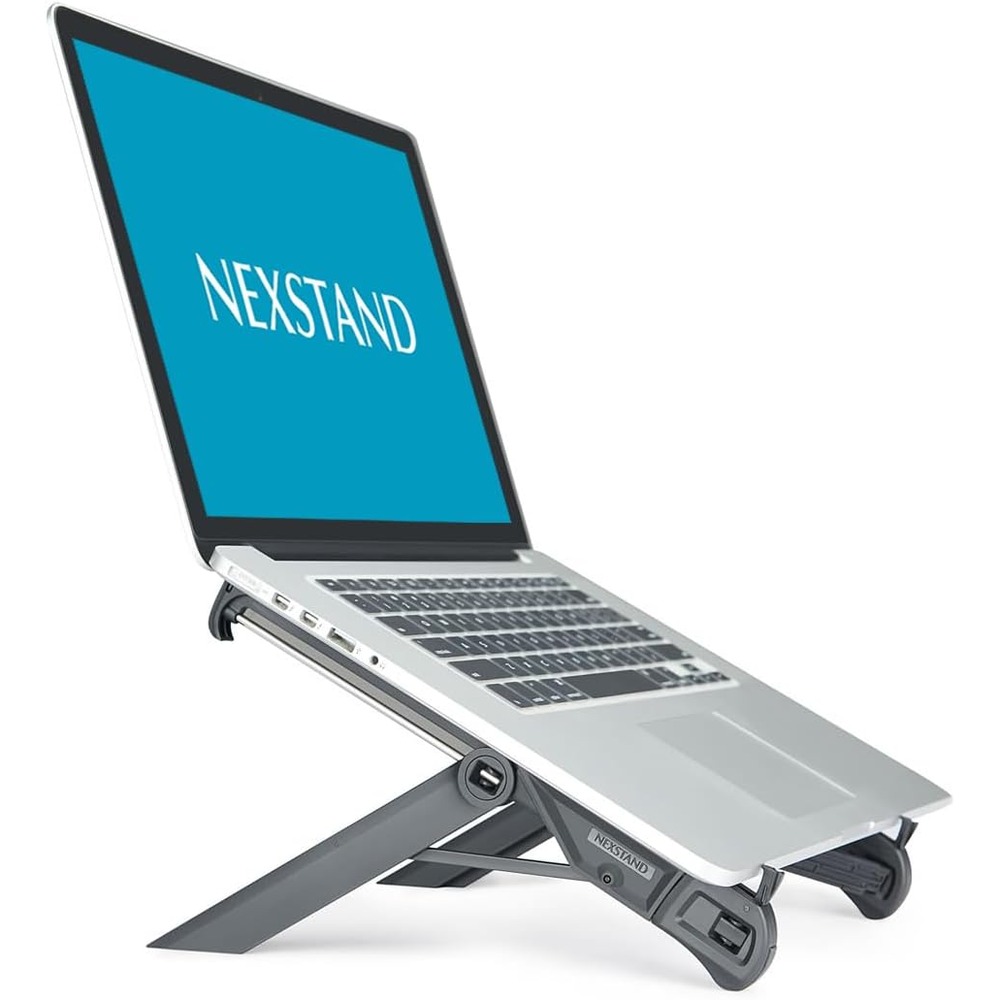
Nexstand K7
A featherweight, single-height riser that lives in a laptop bag. The grab-and-go budget pick.
If the laptop mostly stays put and the budget allows, the sturdier adjustable option is worth the step up. It is the better stand. It is just more stand than most dorm setups need.
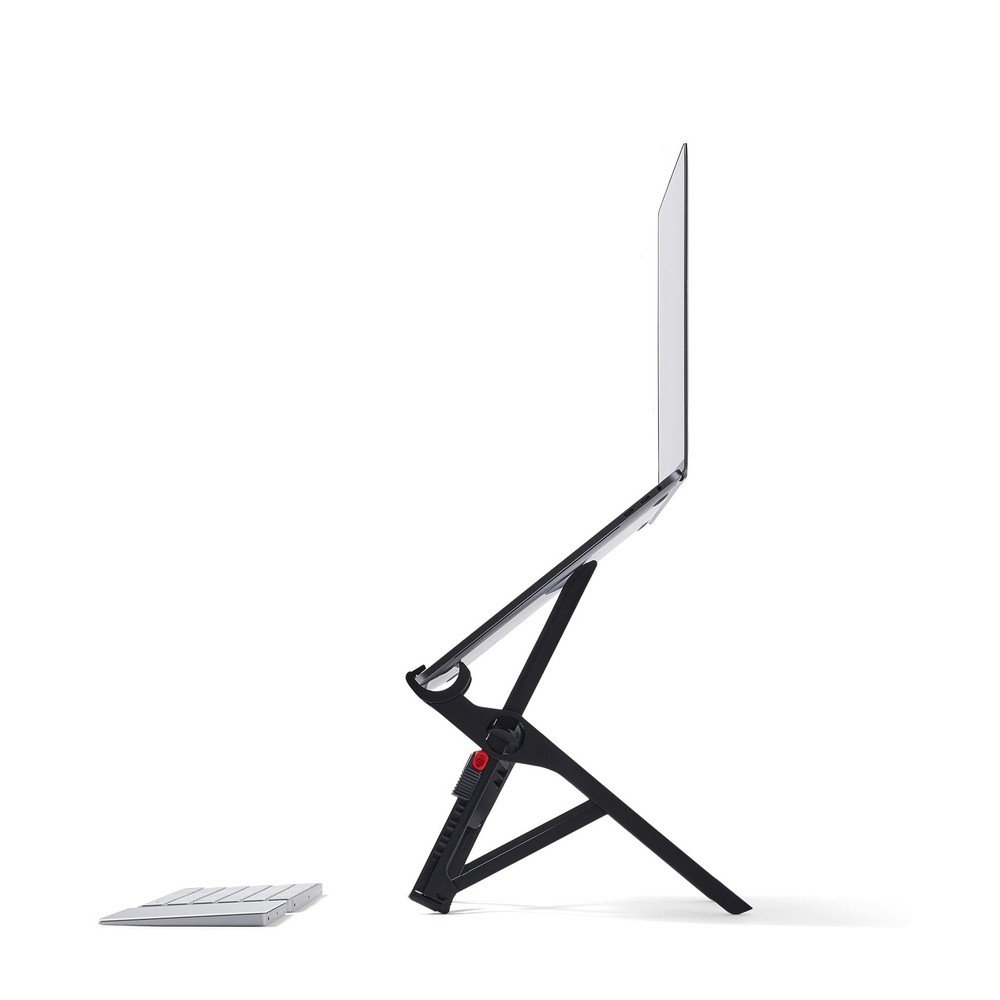
Roost Laptop Stand V3
The adjustable, foldable laptop stand that started the category. We use this one daily.
2. Solve the ports problem
Modern laptops have two or three USB-C ports and nothing else. Dorm desks have a monitor you might borrow, an external drive, a wired mouse someone gave you, and a phone that needs charging. A hub turns one port into all of them.
The passthrough charging matters here. It means the single cable that connects the laptop also charges it, so plugging in at the desk is one motion instead of three.
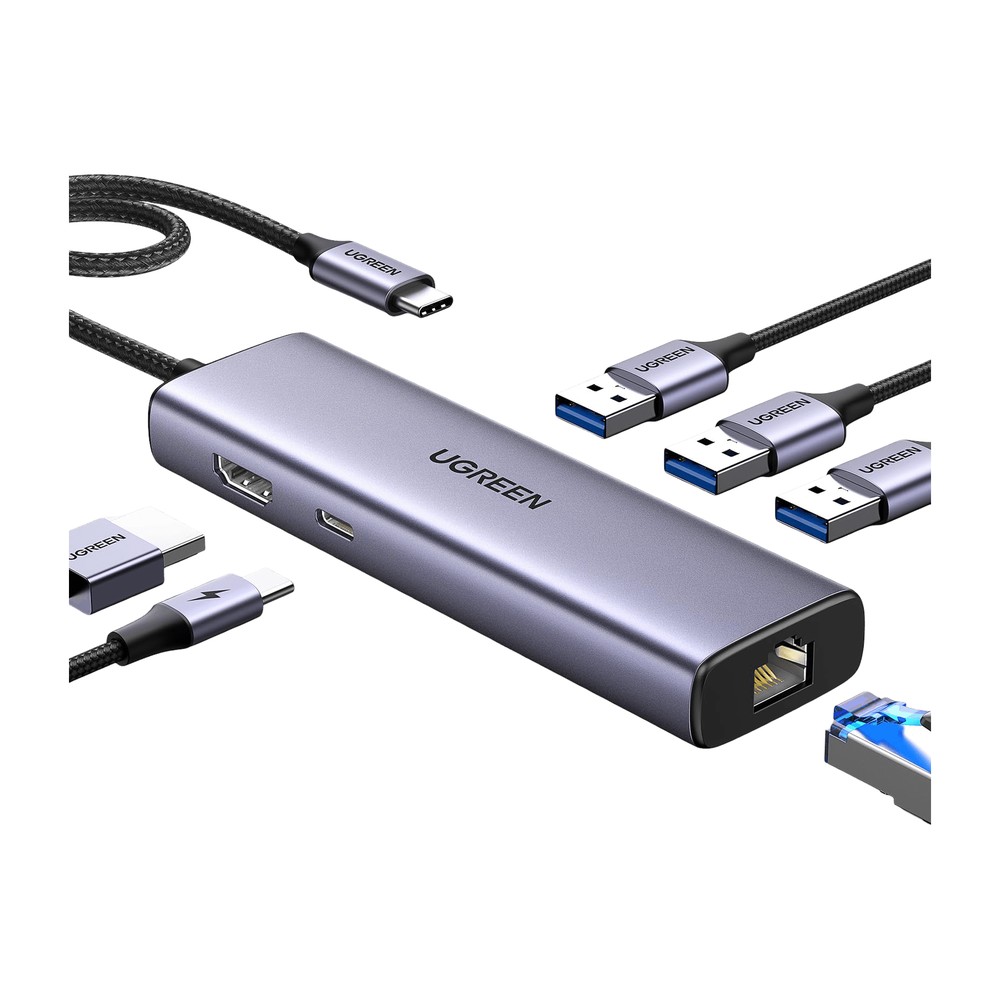
UGREEN Revodok 6-in-1 USB-C Hub
Ethernet, 4K HDMI, and 100W passthrough charging in one dongle. The power hub for a one-cable desk.
3. Fix the lighting without a lamp
Dorm overhead lighting is almost universally a single harsh ceiling fixture. A desk lamp solves it but eats the desk space you just recovered with the laptop stand. A monitor light bar clips over the top of a screen and lights the desk surface without putting glare on the display, and it takes up zero footprint.
This is the upgrade people are most surprised by. Reading and writing at a desk after dark stops being tiring.
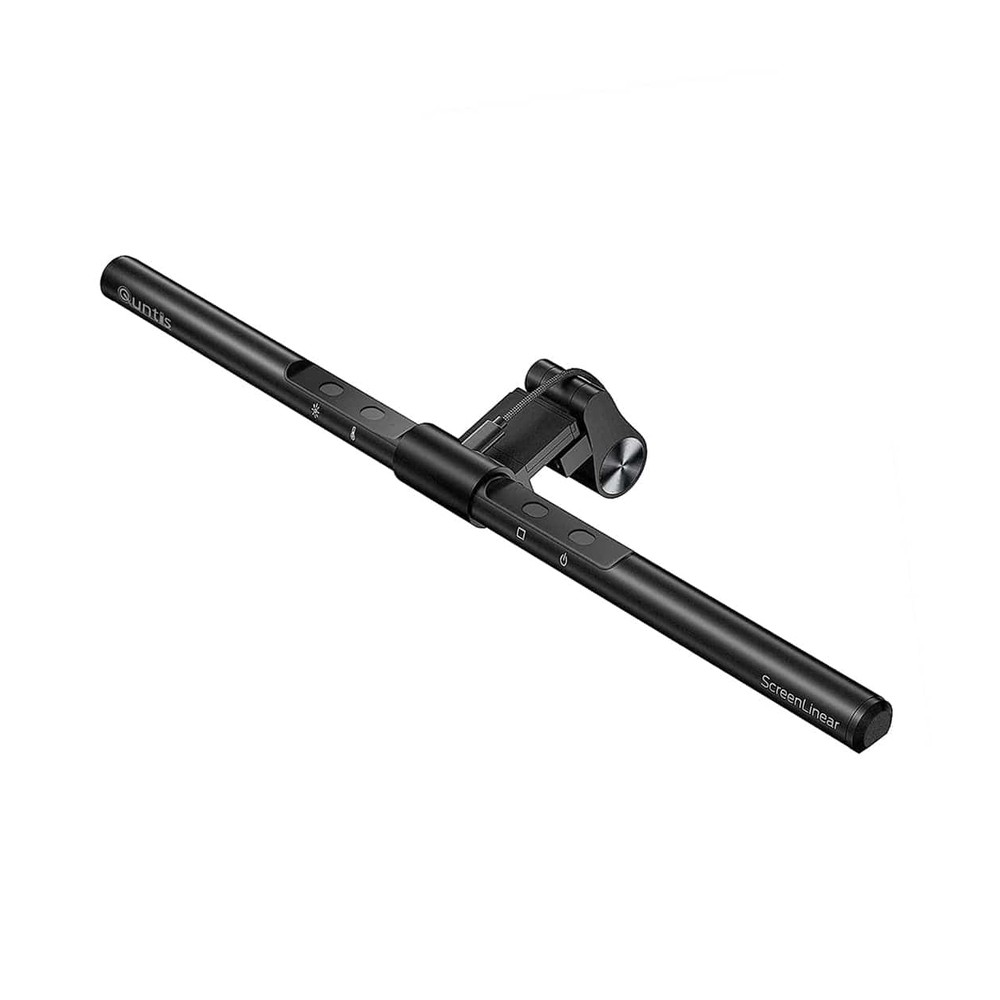
Quntis ScreenLinear Monitor Light Bar
Clips over the top of a monitor and lights the desk without adding glare to the screen.
For the room itself rather than the desk, swappable smart bulbs are the cheapest way to make institutional lighting tolerable. Warm light in the evening, bright white for studying, no rewiring and nothing to leave behind.

Govee Smart Bulb A19 (4-Pack)
Color-changing smart bulbs with no hub needed, at a price that makes it easy to do the whole house.
4. Deal with the outlet situation
The two-outlets-in-the-wrong-place problem is universal in dorms. Smart plugs do not add outlets, but they do mean the lamp across the room can be turned off from bed, and that anything you always forget to unplug can run on a schedule instead.
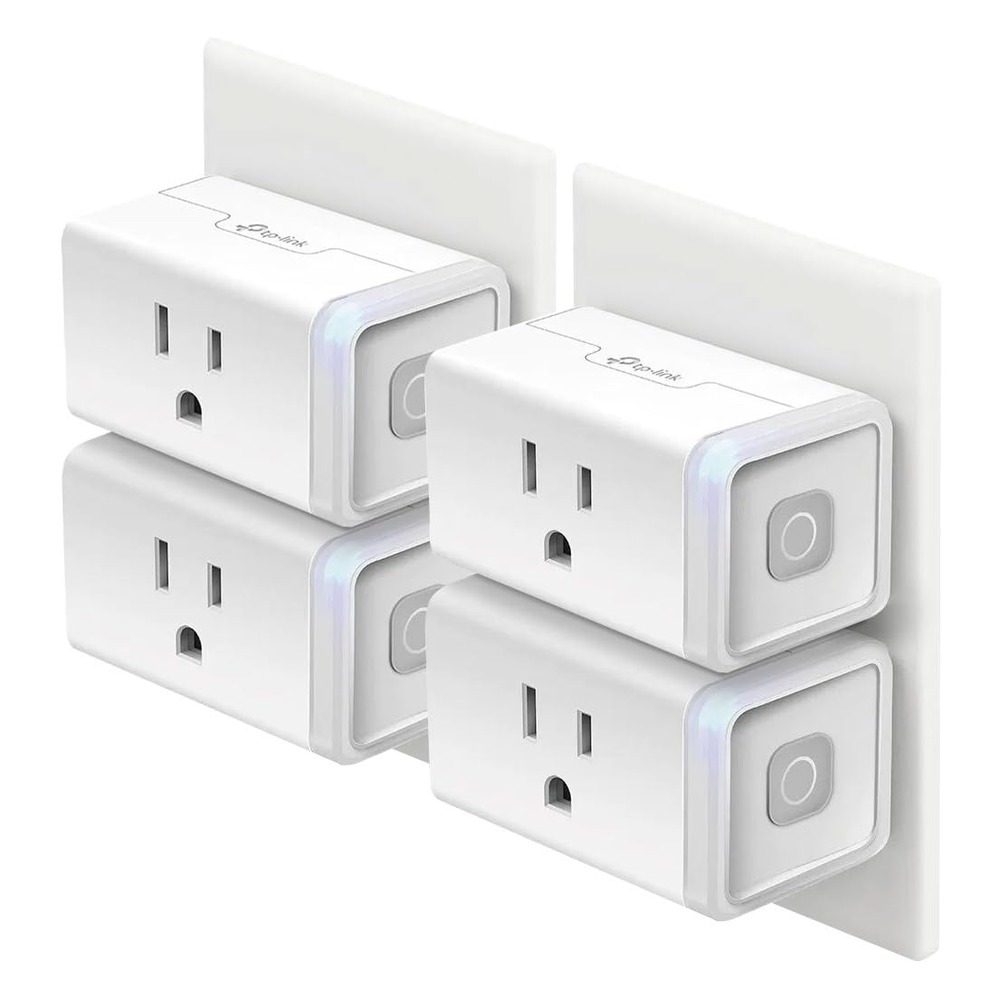
Kasa Smart Plug (4-Pack)
No-hub smart plugs that work with Alexa and Google Home, cheap enough to put on every lamp and appliance worth automating.
5. Cable management that does not violate housing rules
This is the one most people skip and then regret. A power strip on the floor under a dorm desk collects dust, gets kicked, and turns into a hazard. A tray that clamps to the desk edge gets all of it off the floor.
The reason it belongs specifically on a dorm list: it clamps, so there is no drilling and nothing adhesive. It comes off at the end of the year and the desk is exactly as you found it.
One thing to check first. The clamp needs roughly five inches of clear space at the desk edge. Plenty of dorm desks have a drawer or a support bar right where the clamp wants to go, so measure before ordering.
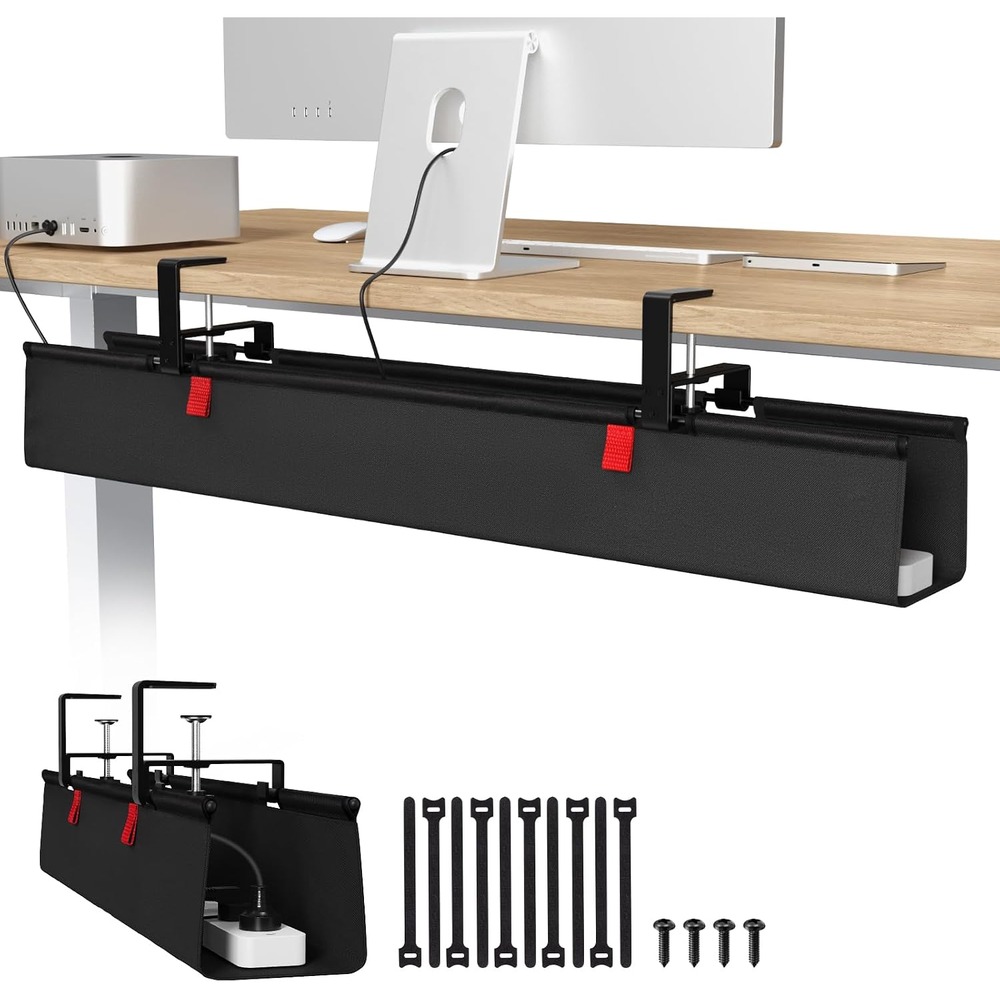
Univivi No-Drill Cable Management Tray
A 36-inch tray that clamps under the desk and hides the power strip and cable mess, no drilling into the desk required.
6. Something for the roommate problem
Shared rooms mean studying when someone else is awake, or sleeping when someone else is not. Noise cancelling earbuds are less about audio quality here and more about being able to concentrate on demand.
The case doubling as a power bank is genuinely useful on a campus where you are away from your desk for eight hours at a stretch.
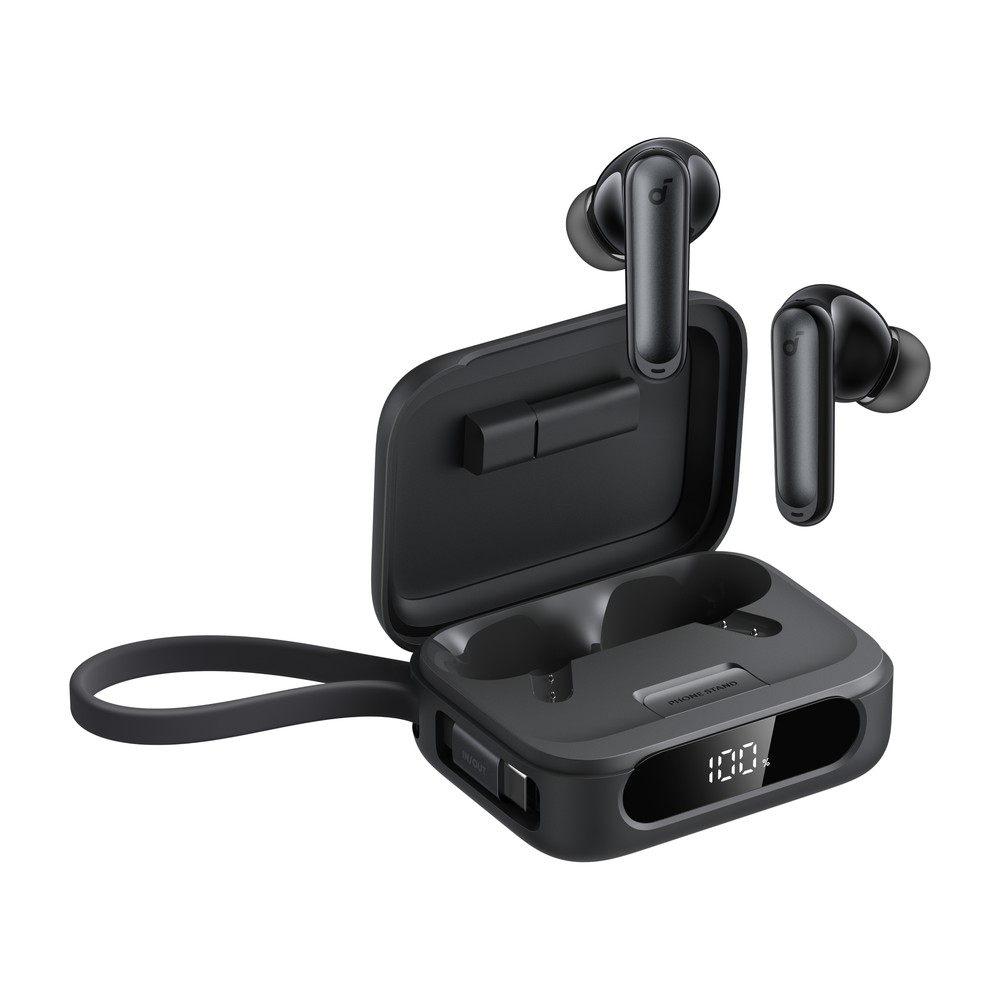
Soundcore P41i Earbuds
ANC earbuds where the case doubles as a power bank and a phone stand. Built with travel in mind.
What to skip
- A second monitor, at first. Dorm desks rarely have the depth for one at a healthy viewing distance. Live with the laptop stand for a semester and see if you still want it.
- Anything adhesive. Cable clips and hooks that stick to the desk or wall are the fastest way to lose a deposit. Clamps only.
- A mechanical keyboard, if you have a roommate. You will find out quickly.
The short version
If you only do three of these: laptop stand, hub, light bar. That combination fixes posture, ports, and eye strain, which are the three things that actually make a dorm desk unpleasant to sit at. Everything else on this list is an improvement. Those three are the difference between a desk you use and a desk you avoid.