
Most desk setup content optimizes for how the desk looks in a photo. This is the opposite list. These are the cheapest things that remove a daily annoyance, ranked by how much irritation each one eliminates per dollar.
None of them are exciting. That is sort of the point. The expensive, satisfying purchases work better on a desk where the boring problems are already solved.
Get the power strip off the floor
The single highest-value cheap fix. A power strip sitting on the floor under a desk collects dust, gets kicked loose, and turns every cable into a tripping hazard that also unplugs your monitor.
A tray that clamps under the desk moves the whole mess up and out of sight in about ten minutes. No drilling, so it works on a desk you do not own.
Check your desk edge first. The clamp needs roughly five inches of clearance, and desks with a center drawer or a support bar underneath often do not have it.
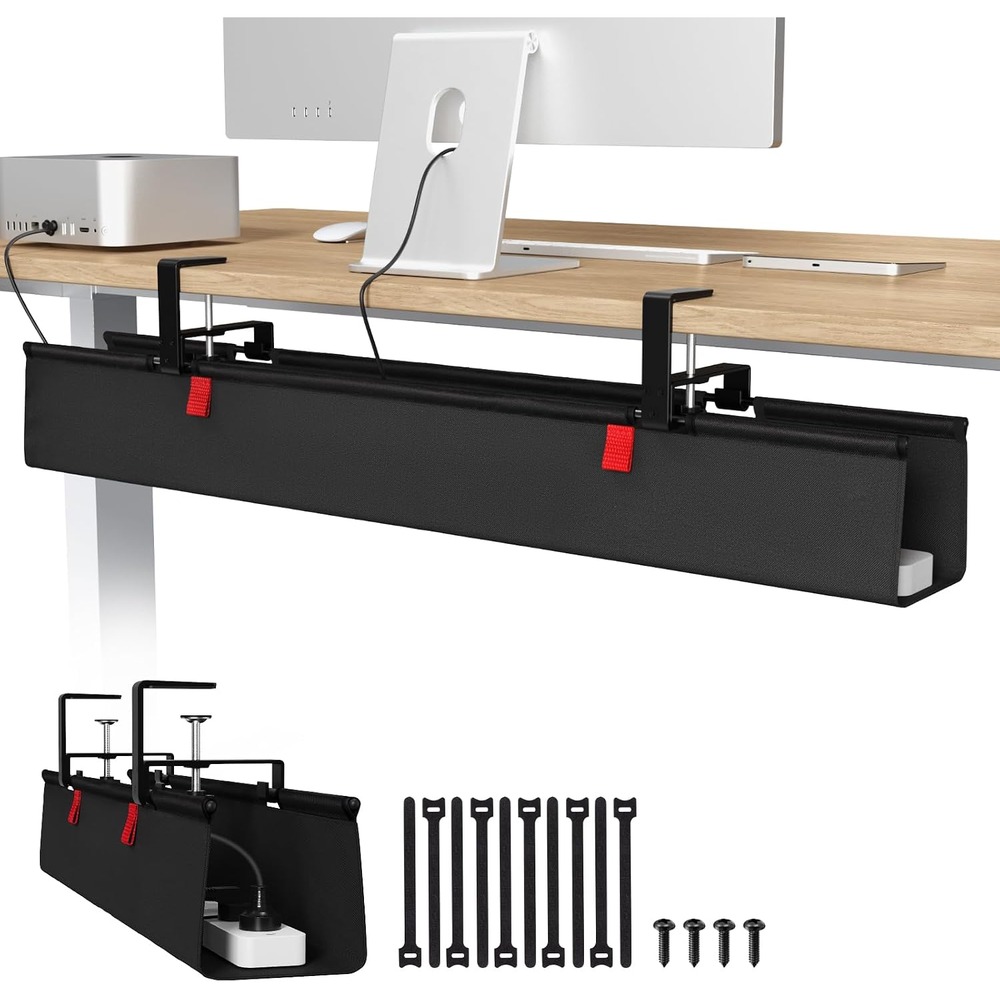
Univivi No-Drill Cable Management Tray
A 36-inch tray that clamps under the desk and hides the power strip and cable mess, no drilling into the desk required.
Fix the lighting before buying a nicer monitor
Eye strain at a desk is more often a lighting problem than a screen problem. Working in a dim room with a bright display is the specific combination that makes eyes tired, and a lot of people try to solve it by upgrading the monitor.
A light bar clips to the top of the screen and lights the desk without throwing glare back at you. It costs a fraction of a monitor and it is the thing that was actually wrong.
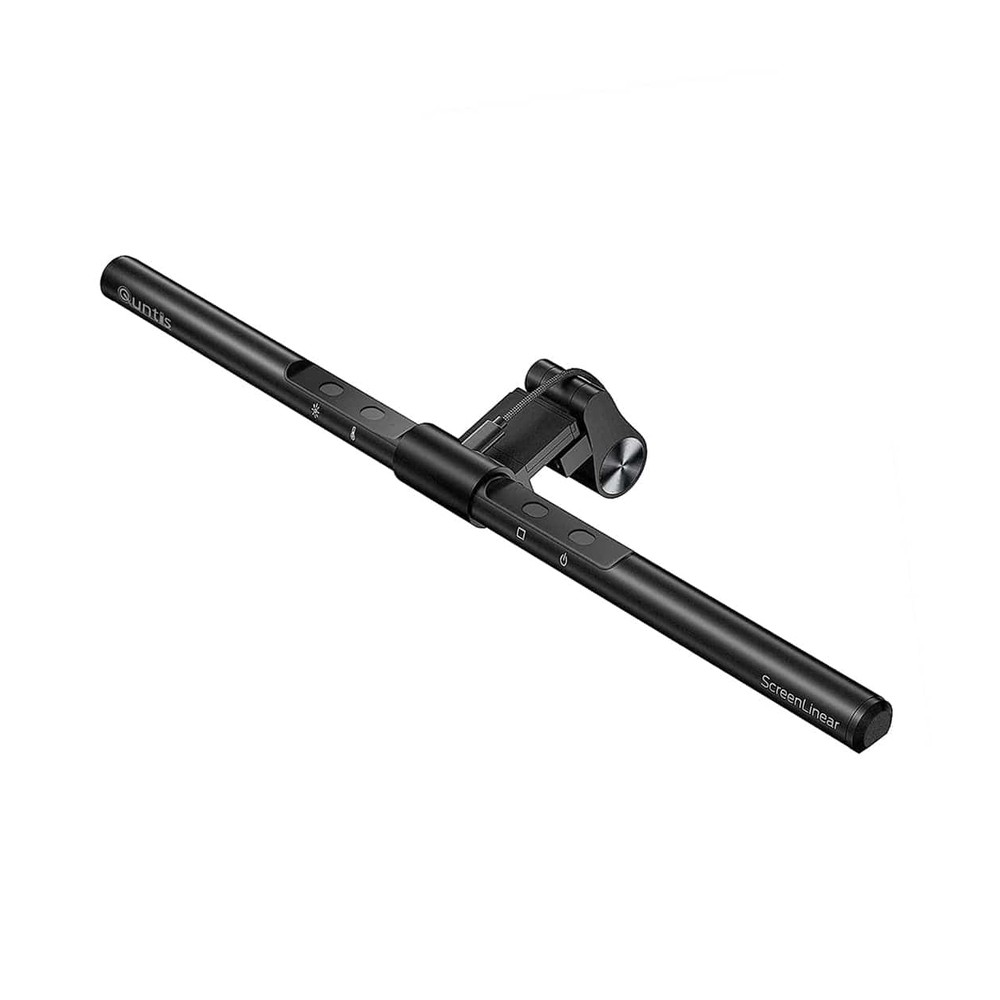
Quntis ScreenLinear Monitor Light Bar
Clips over the top of a monitor and lights the desk without adding glare to the screen.
Make the lamp controllable without rewiring
Smart plugs are unglamorous and they solve a real thing: the lamp or fan that is plugged in somewhere inconvenient and therefore never gets turned off. Schedules handle the rest.
Buy the multi-pack. The per-unit price is the whole argument, and there is always a second thing worth putting on one.
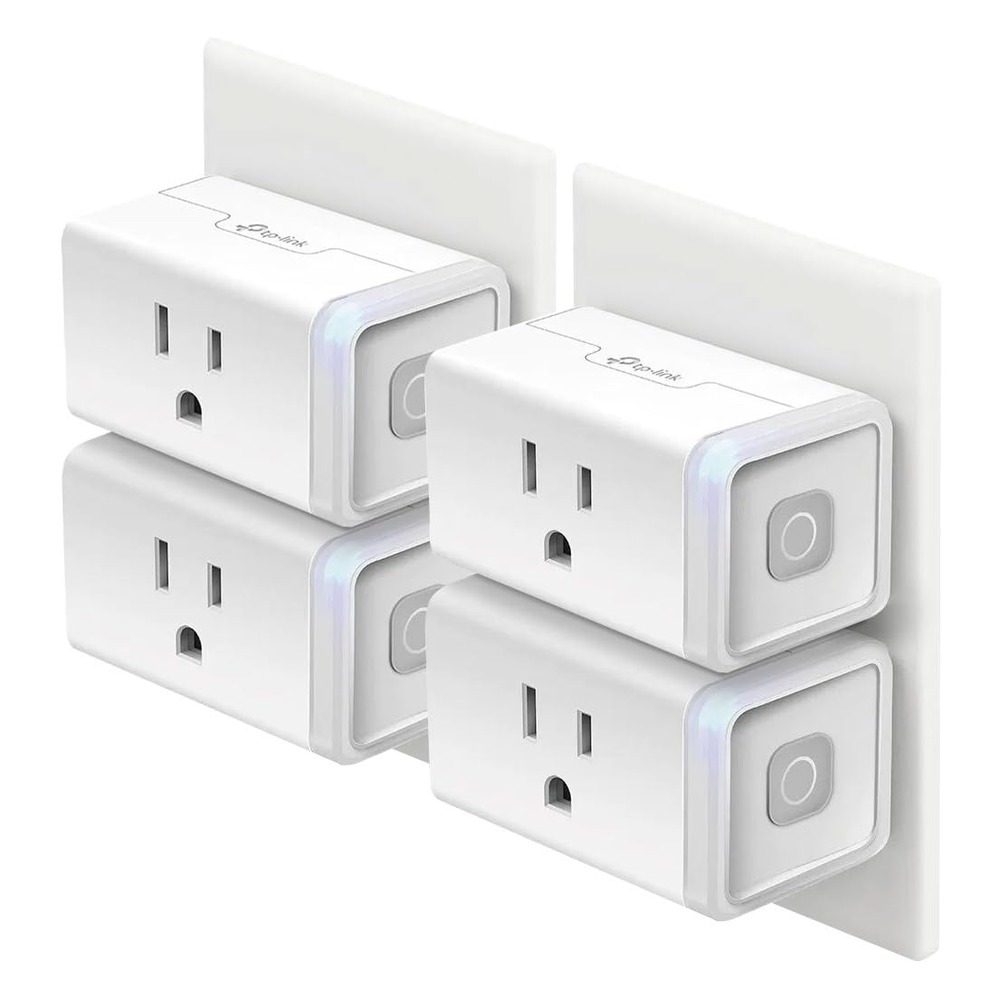
Kasa Smart Plug (4-Pack)
No-hub smart plugs that work with Alexa and Google Home, cheap enough to put on every lamp and appliance worth automating.
Raise the laptop
The cheapest fix for the most common desk complaint. A stack of books does the same job, until you need the books, or you move, or the stack slides. A dedicated stand that folds into a bag costs about the same as a couple of takeout meals.
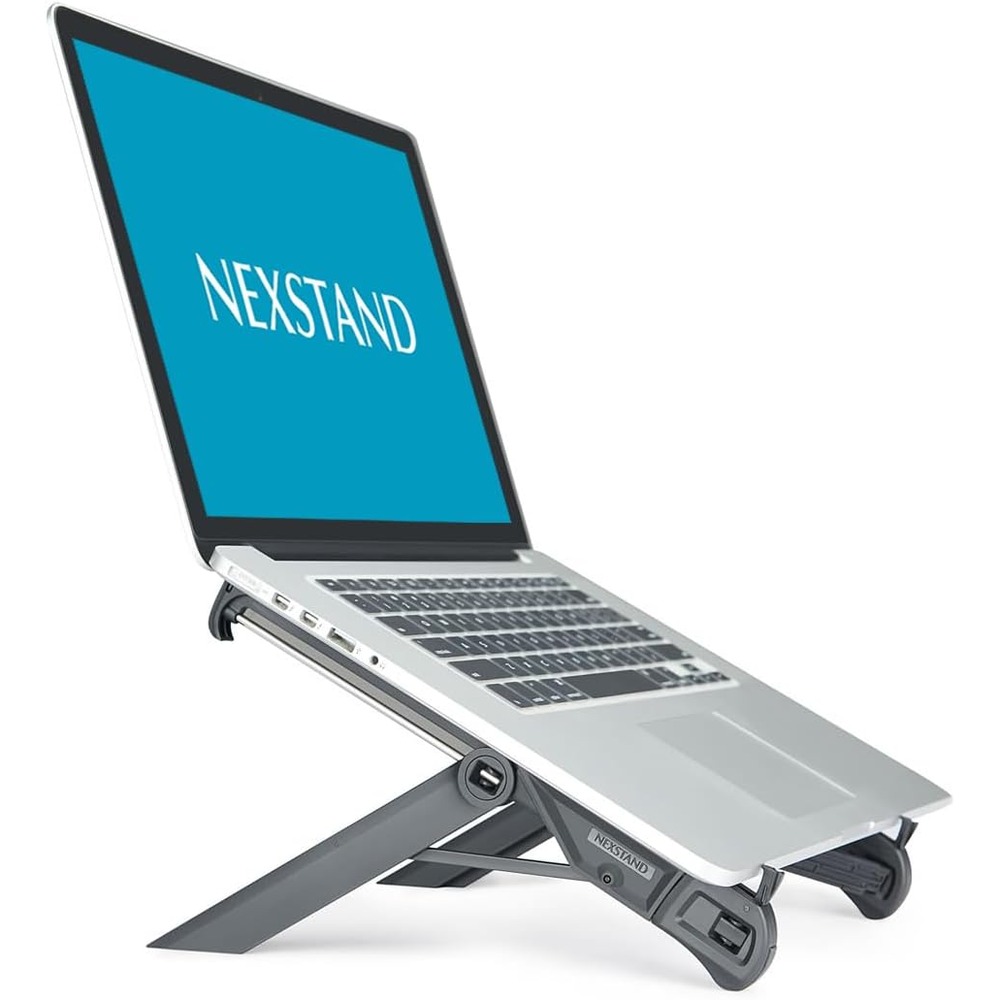
Nexstand K7
A featherweight, single-height riser that lives in a laptop bag. The grab-and-go budget pick.
Add ports instead of replacing the laptop
A hub is not a glamorous purchase. It is also the difference between a laptop that docks at a desk in one motion and one that requires plugging in four things every time you sit down.
The passthrough charging is the feature that makes it a one-cable desk rather than a two-cable desk.
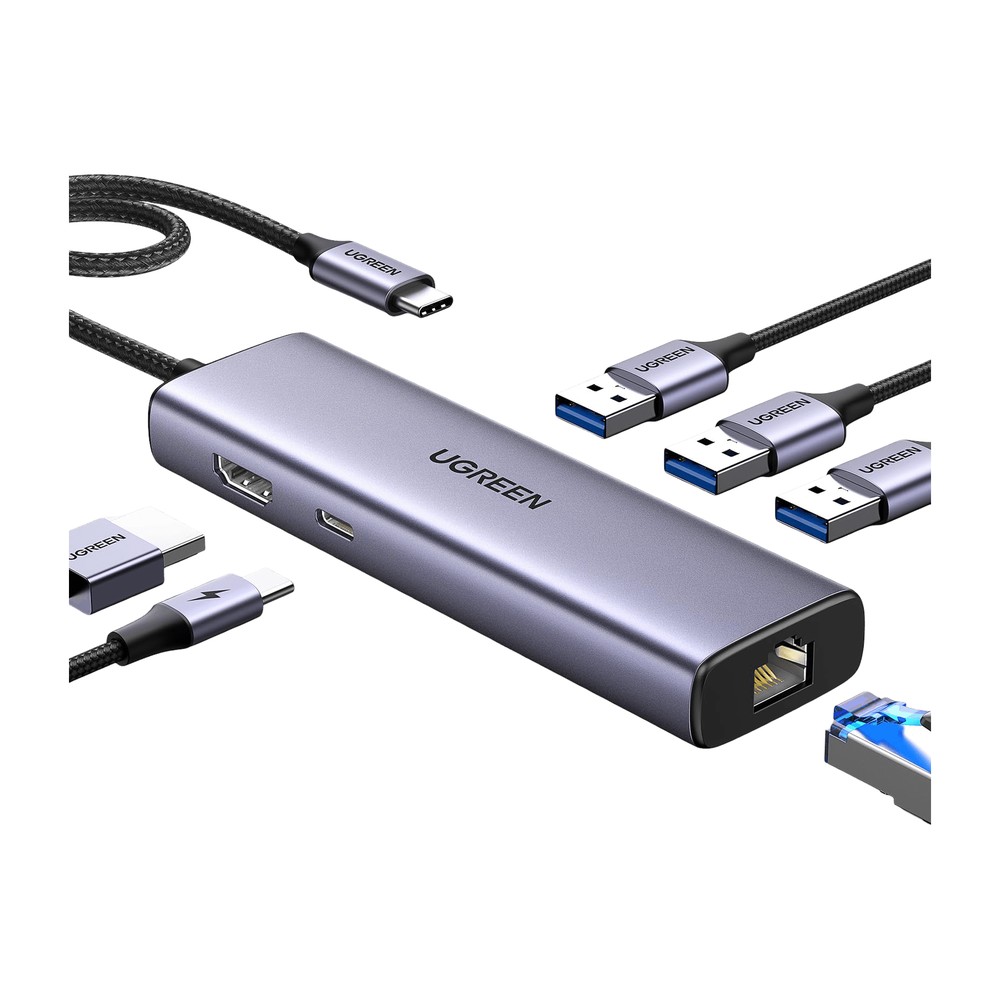
UGREEN Revodok 6-in-1 USB-C Hub
Ethernet, 4K HDMI, and 100W passthrough charging in one dongle. The power hub for a one-cable desk.
Two upgrades worth spending more on
Not cheap, and not on the list above, but worth naming because they are where the money should go once the basics are handled.
A mouse you use eight hours a day is the one place where the expensive option is straightforwardly justified. The cheap mouse is a false economy the moment your hand starts hurting.

Logitech MX Master 3S
The quiet-click flagship mouse for people who've worn out every other mouse on the desk. Precise scroll wheel, multi-device switching, all-day comfort.
And if the desk is also where phone, watch, and earbuds live overnight, one pad that charges all three removes three cables from the surface permanently.
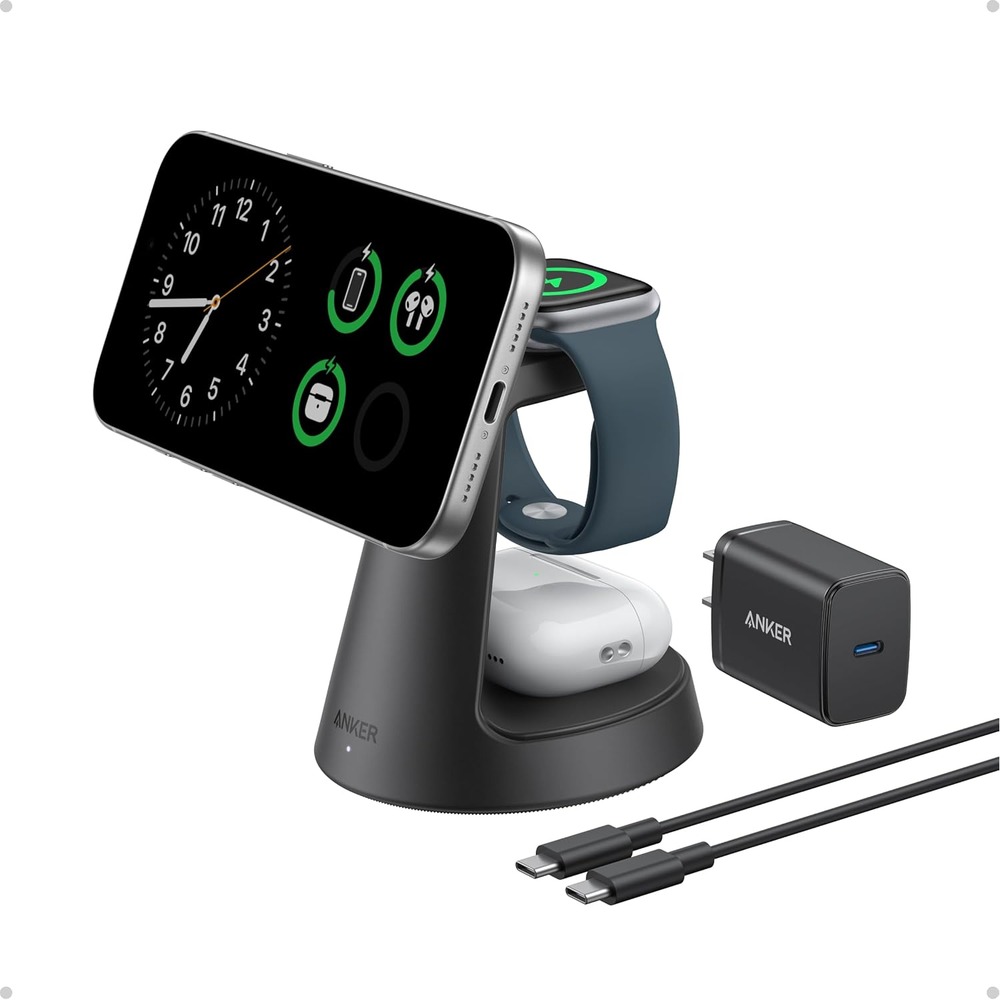
Anker MagGo 3-in-1 Qi2 Charging Station
One pad for phone, watch, and earbuds, with a Qi2 magnetic snap so the phone actually charges at full speed instead of sliding off-center.
The order that actually works
- Get power off the floor.
- Fix the lighting.
- Raise the screen.
- Consolidate the ports.
- Then, and only then, start thinking about the nice monitor.
Doing it in this order costs very little and fixes most of what makes a desk unpleasant. Doing it in reverse is how people end up with an expensive setup they still do not enjoy sitting at.